Studio portrait
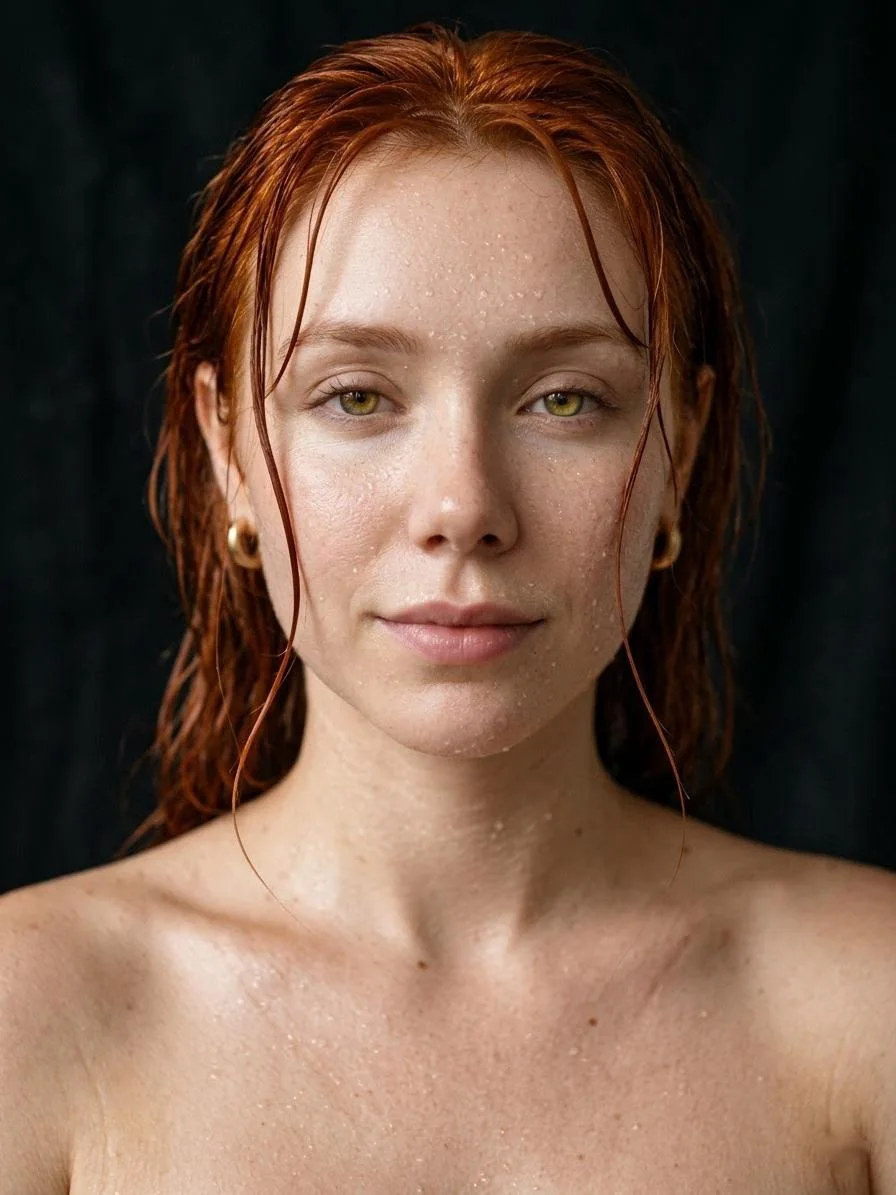
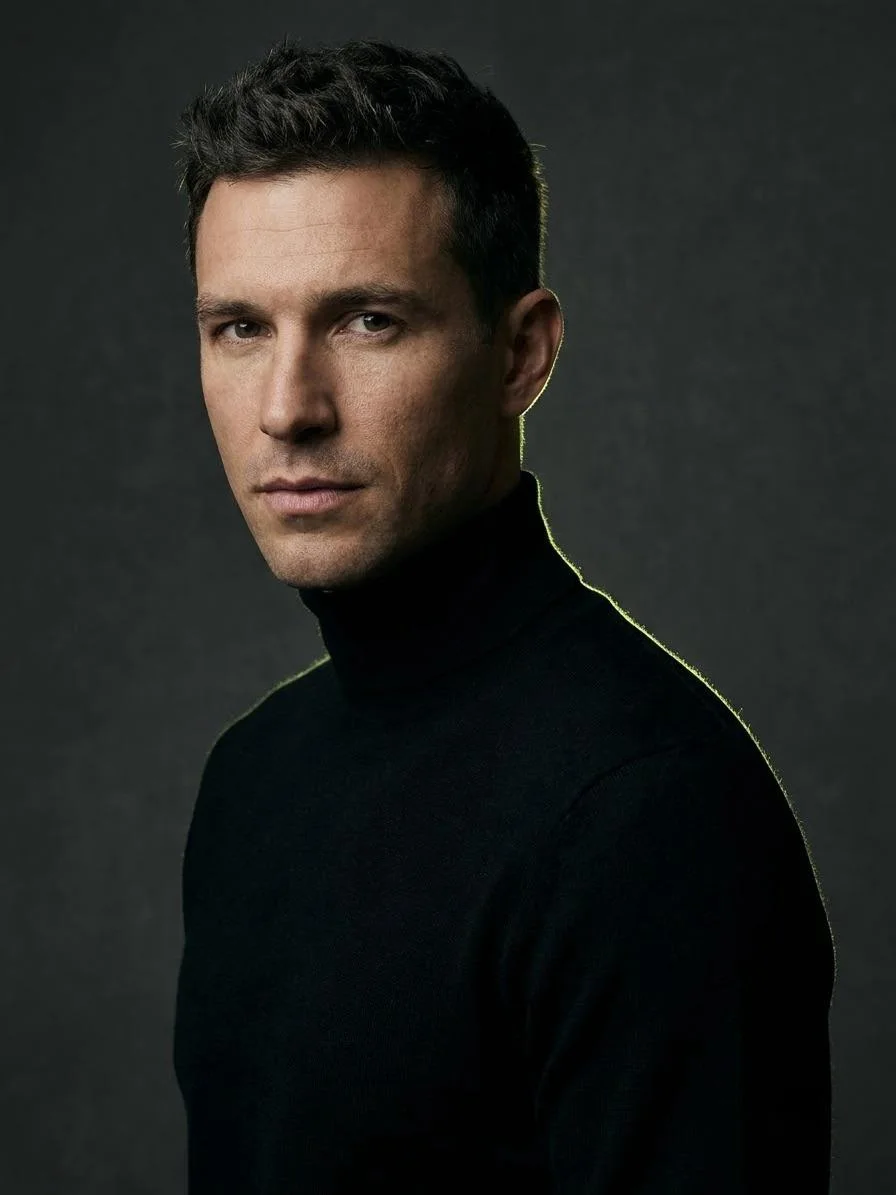
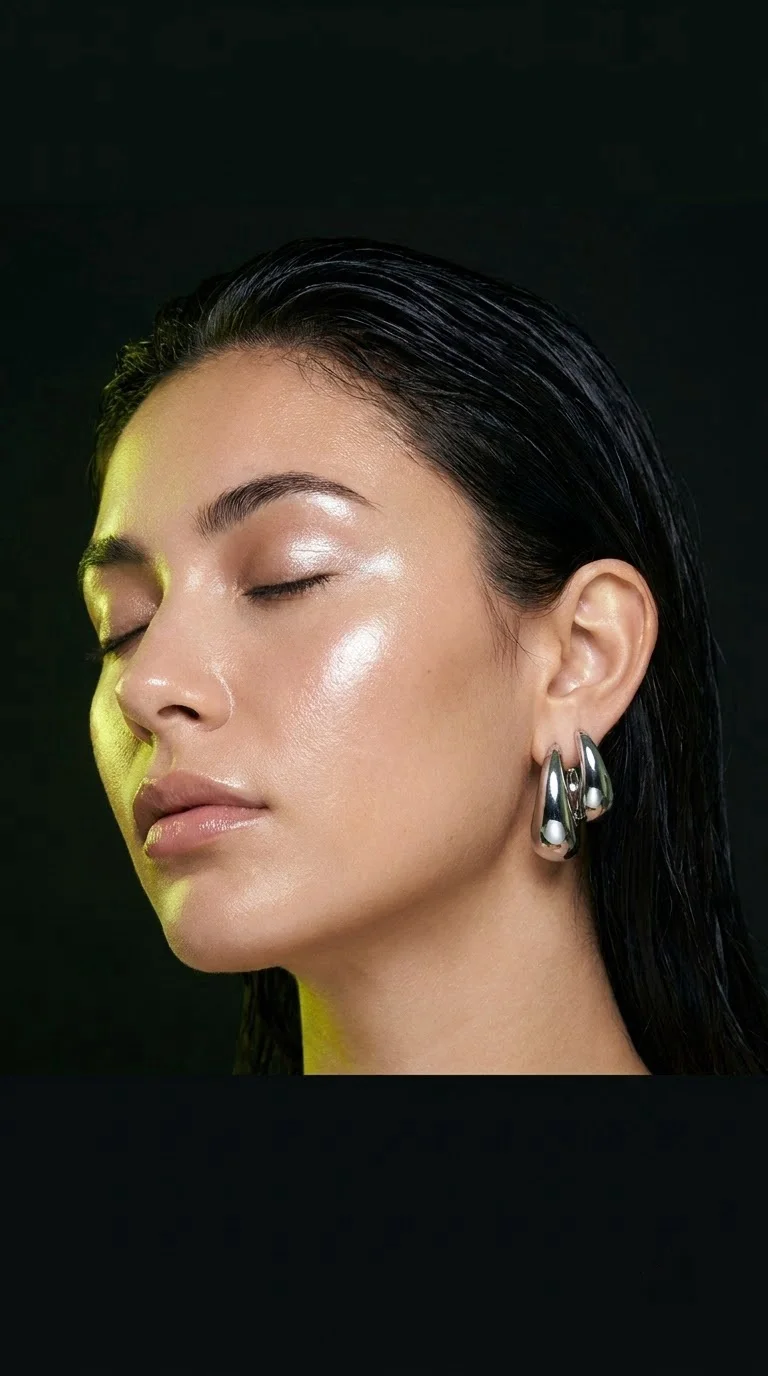
Editorial portrait of the person in the photo, soft window light from the left, warm beige backdrop, 85mm lens, natural skin texture, calm confident expression.
AI Image Generator
Describe what you want and get a finished picture in under a minute. Add a reference photo to keep a face, product or outfit exactly the same, and pick the model that fits the job.
Made on Do0p
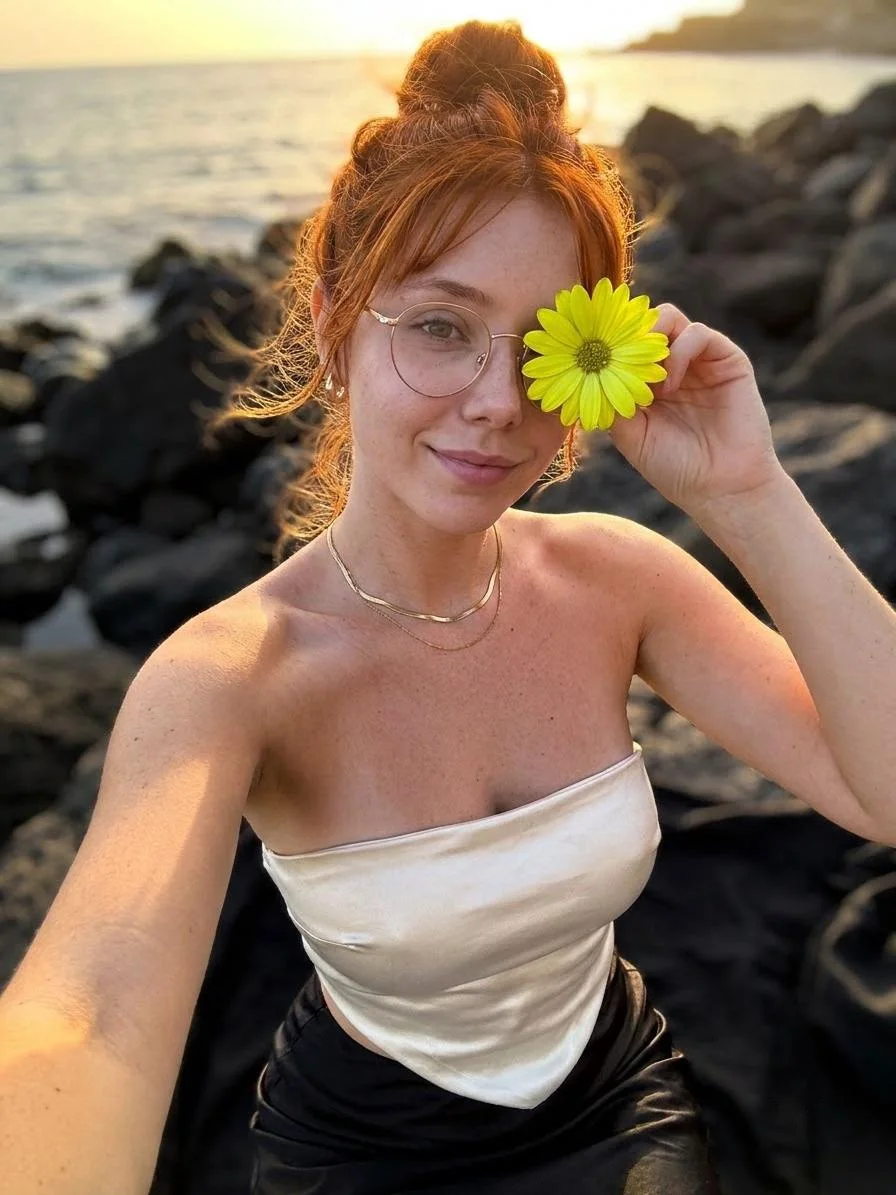
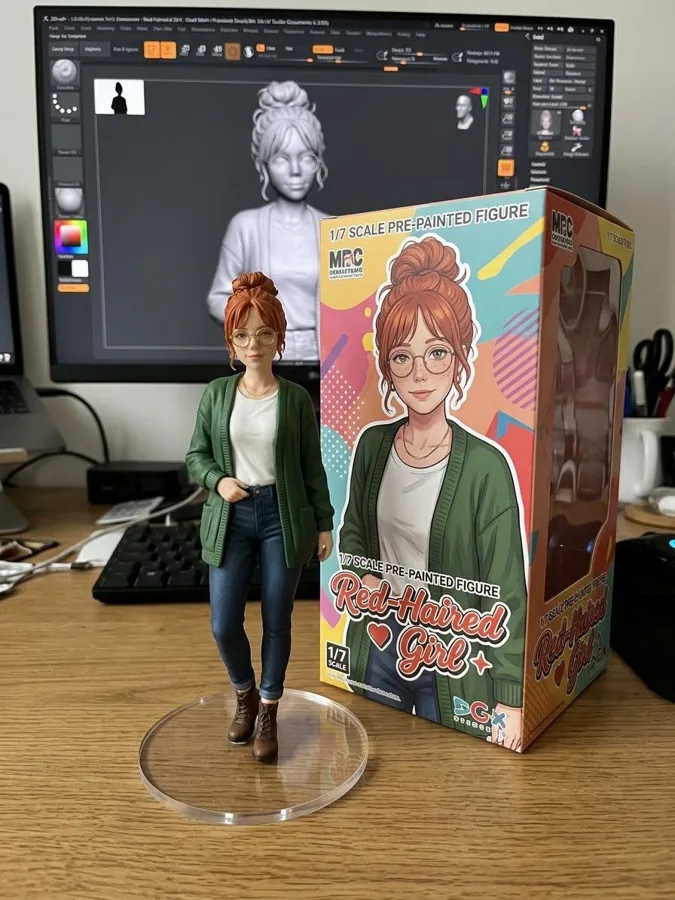
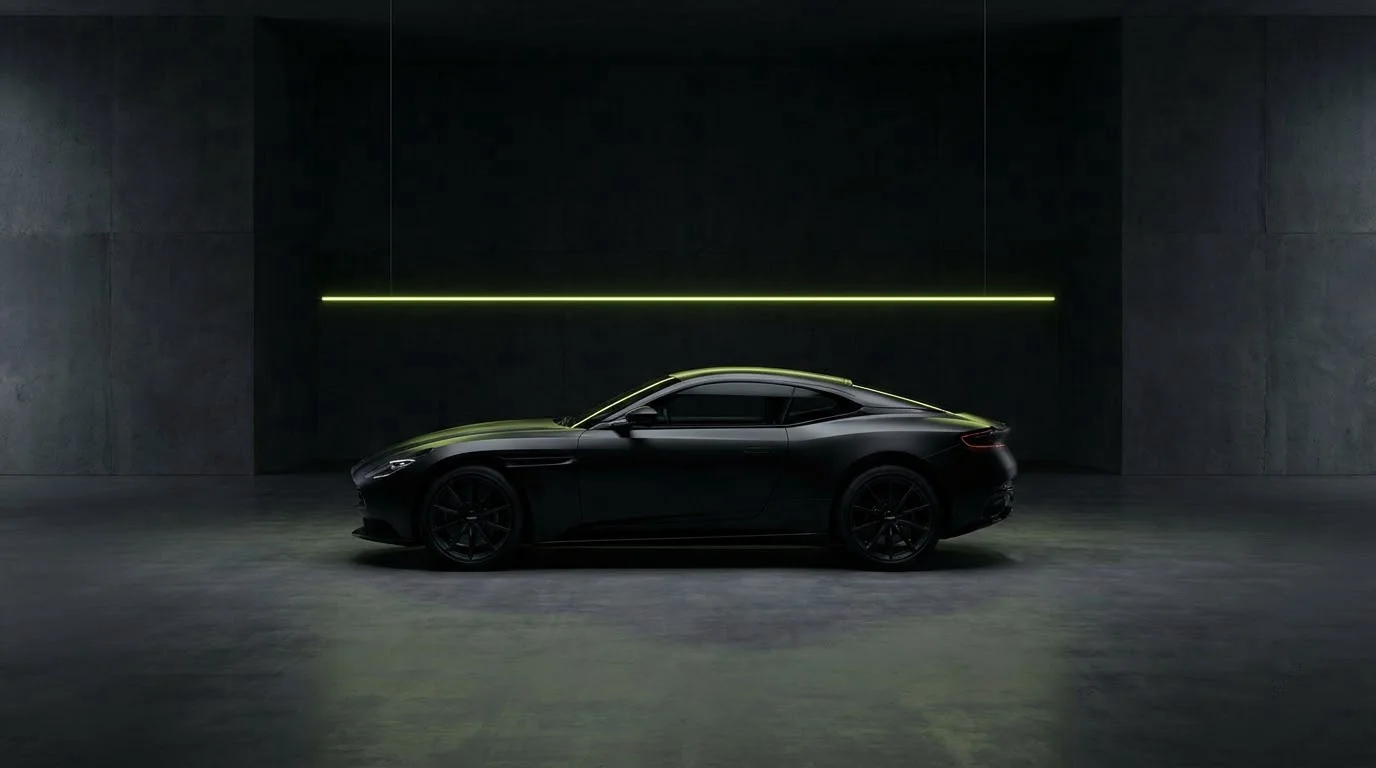
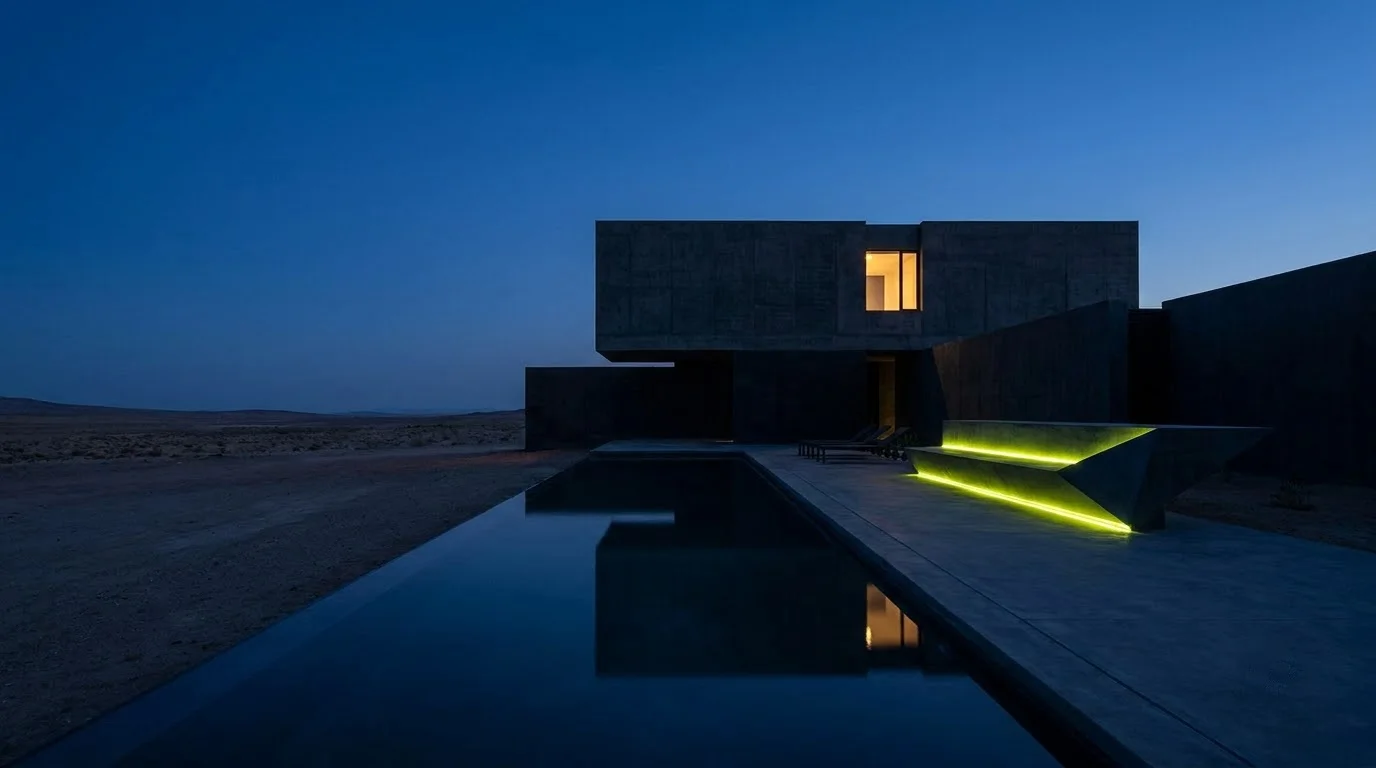
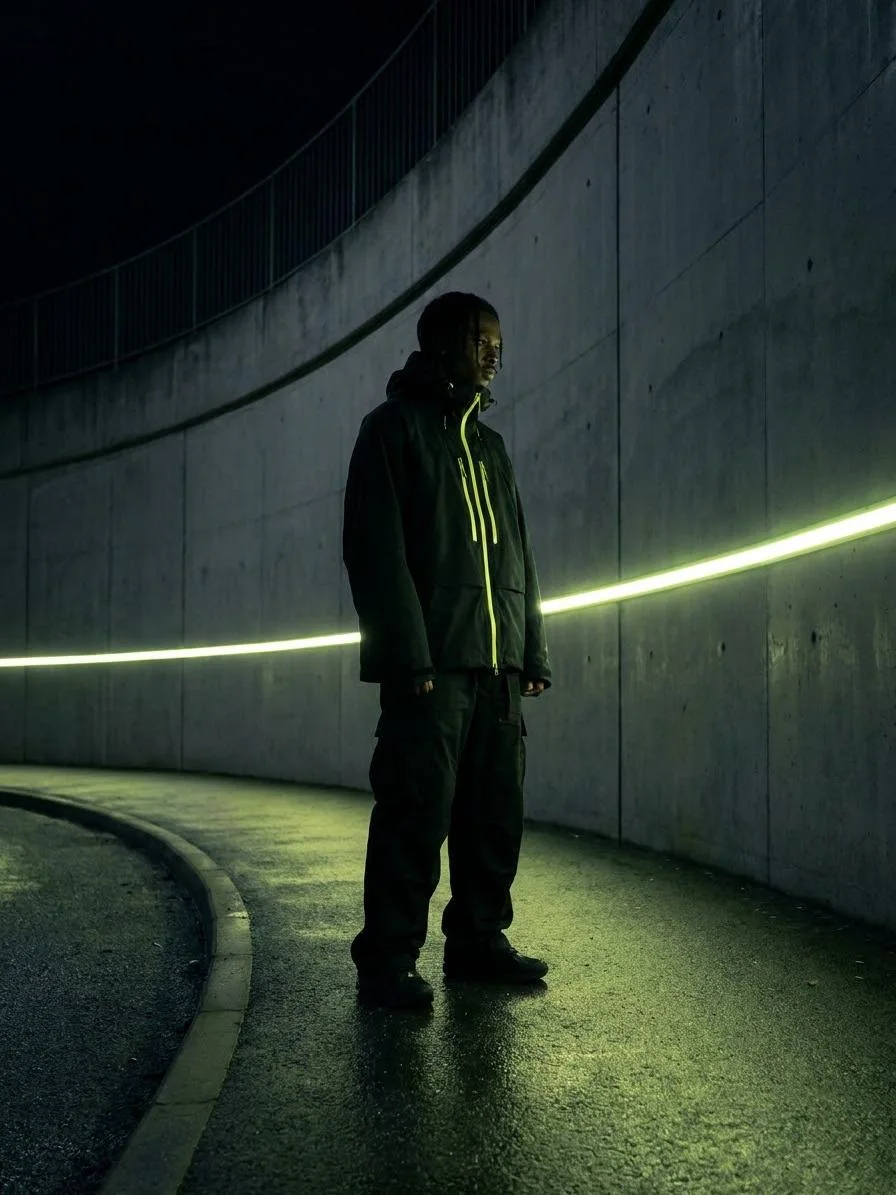
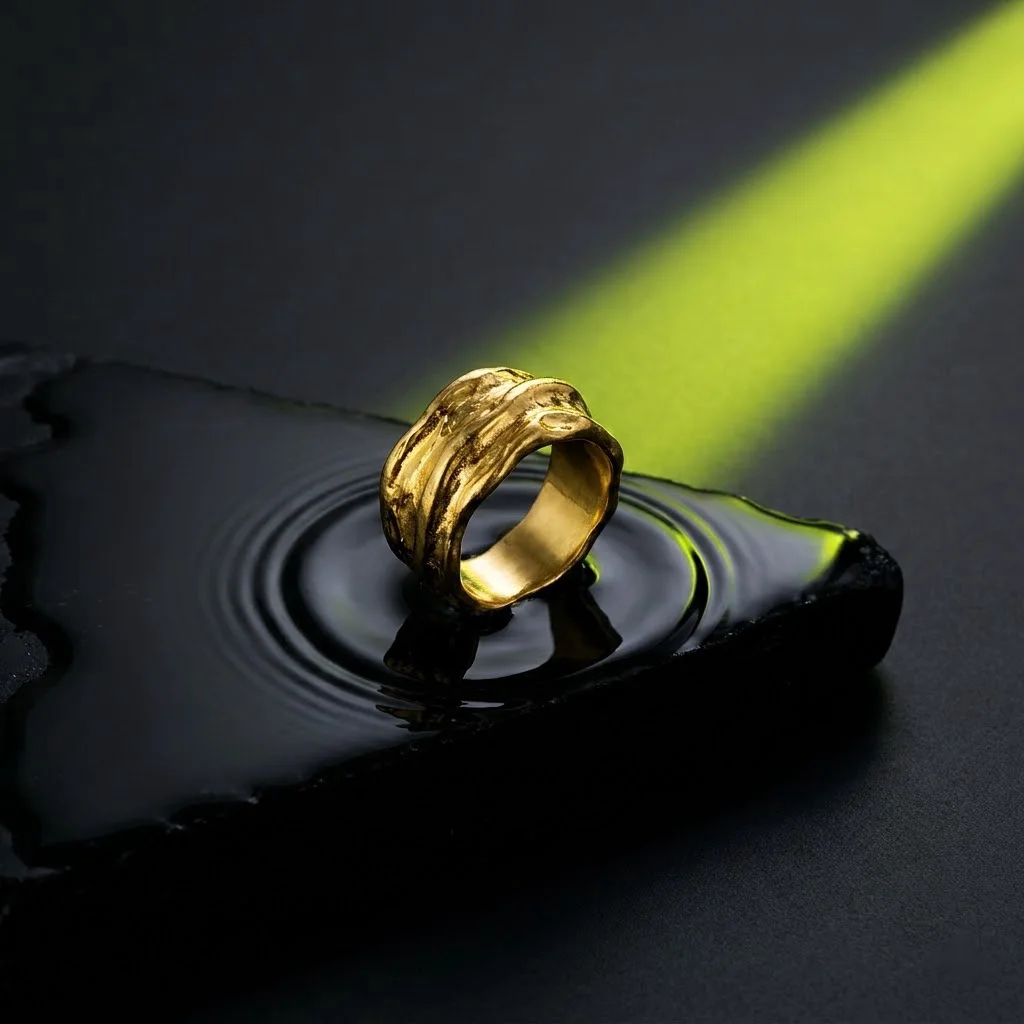
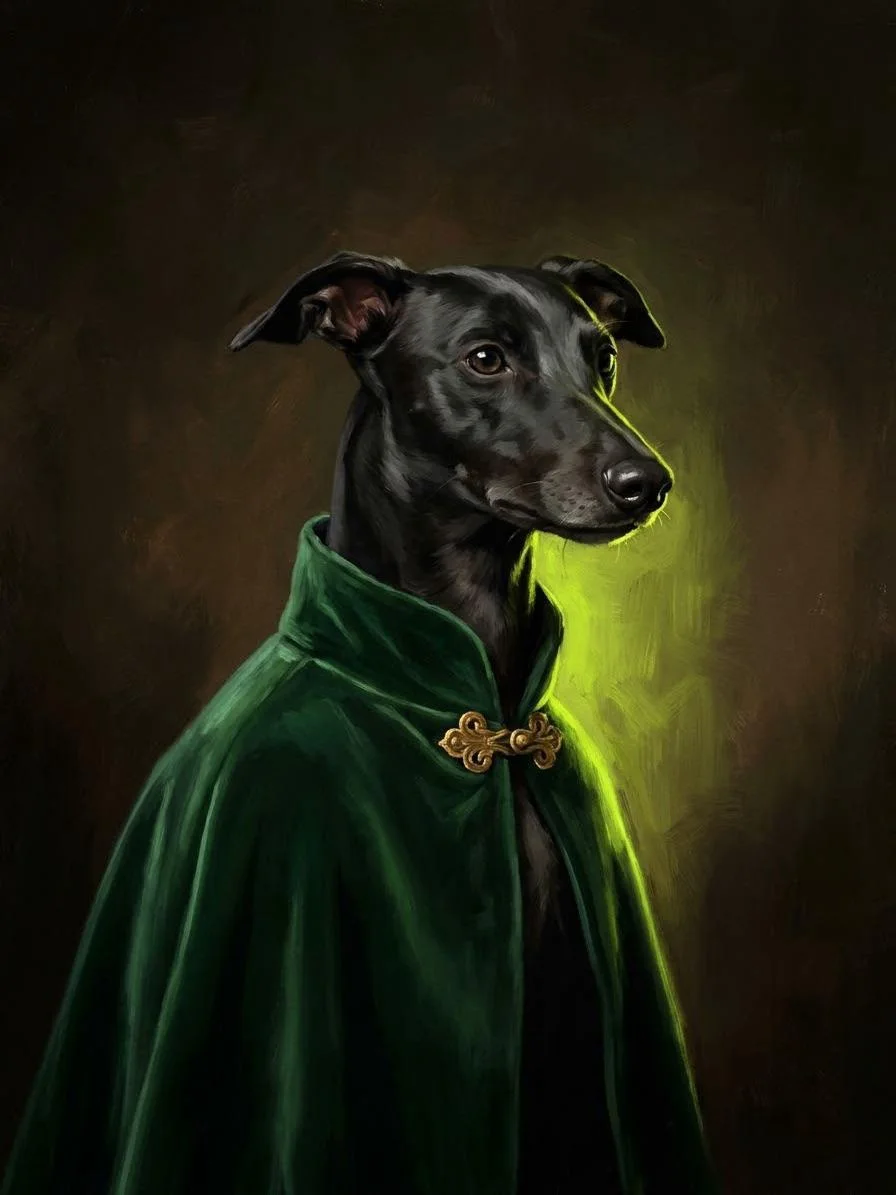
Portraits, product shots, anime scenes and posters, all generated on Do0p from a short prompt.
How it works
Write what you want to see: subject, place, light and style. One sentence is enough.
Upload a selfie, product or outfit and the model keeps it in the new scene.
Get up to four takes at once, pick the best and download it in full size.
Prompts
Each one works in Create with a reference photo. Change the colours, place or mood to make it yours.
Editorial portrait of the person in the photo, soft window light from the left, warm beige backdrop, 85mm lens, natural skin texture, calm confident expression.
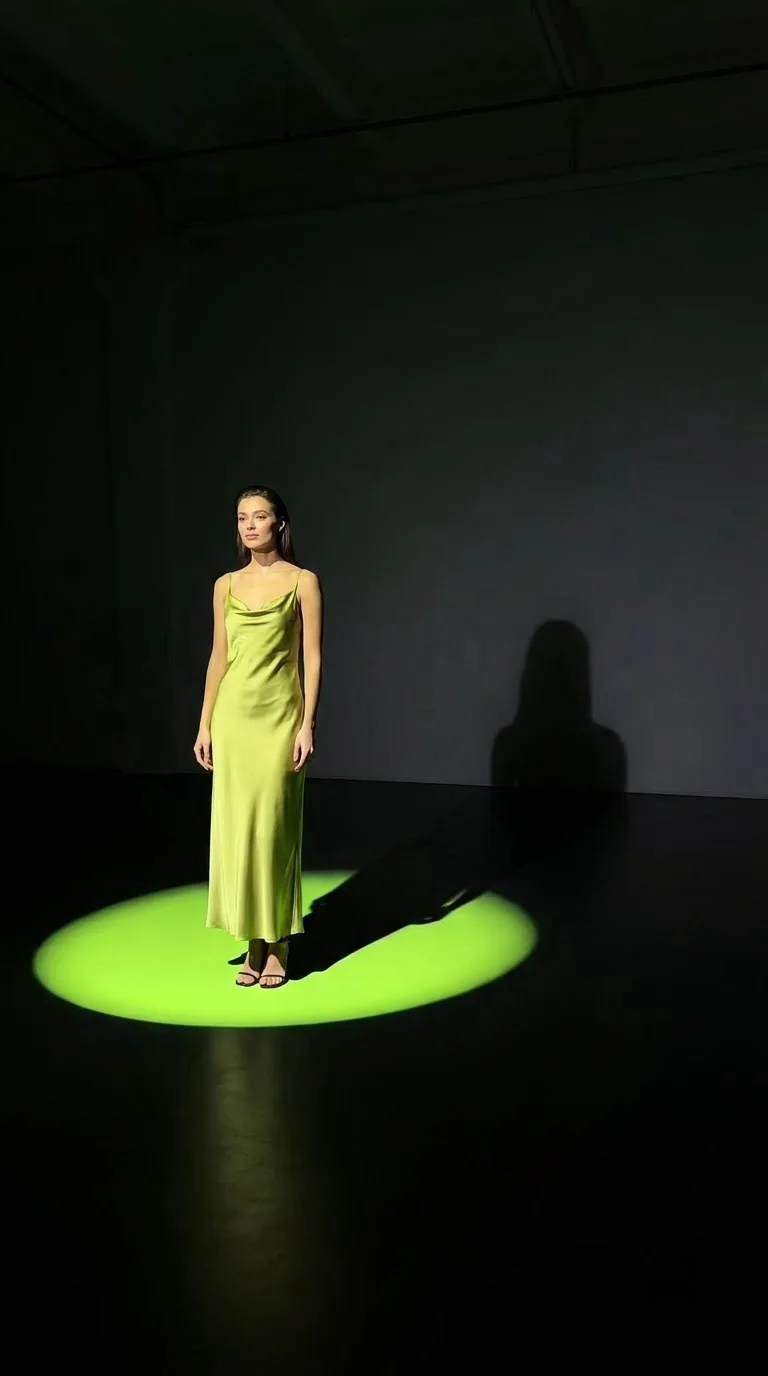
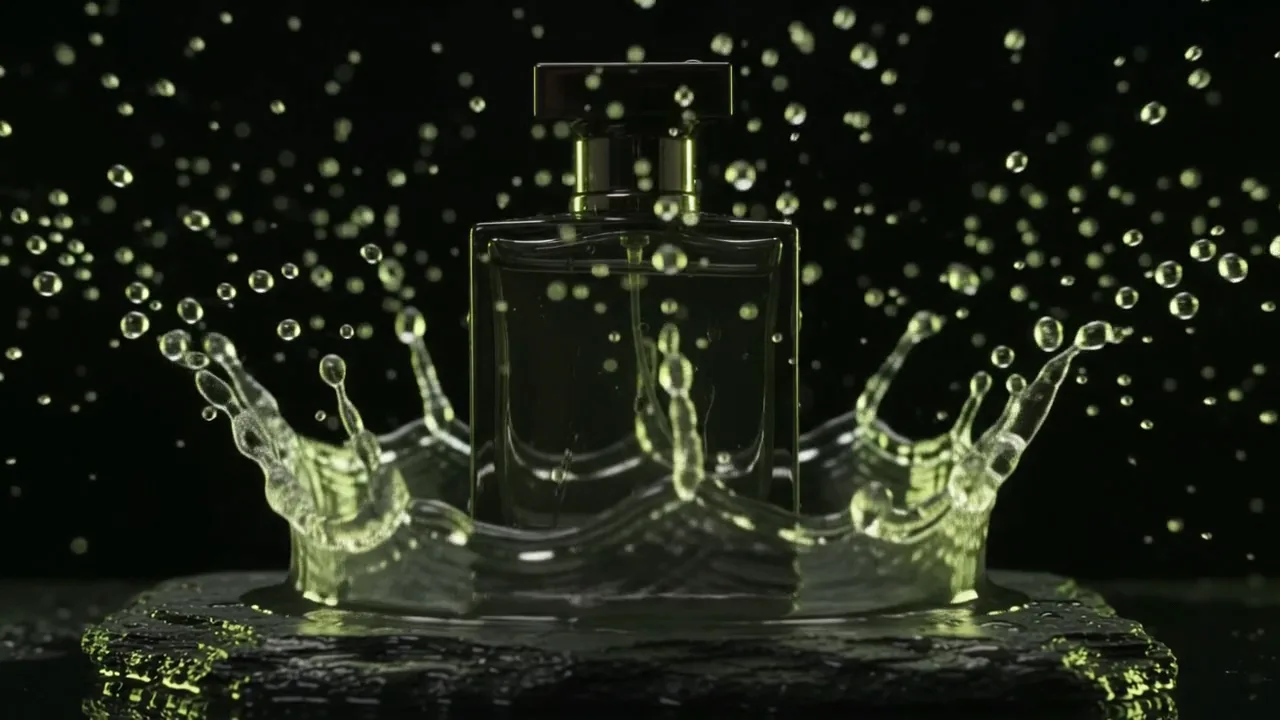
The product from the photo standing on a polished stone plinth, single hard spotlight, deep green background, gentle reflection, luxury advertising style.
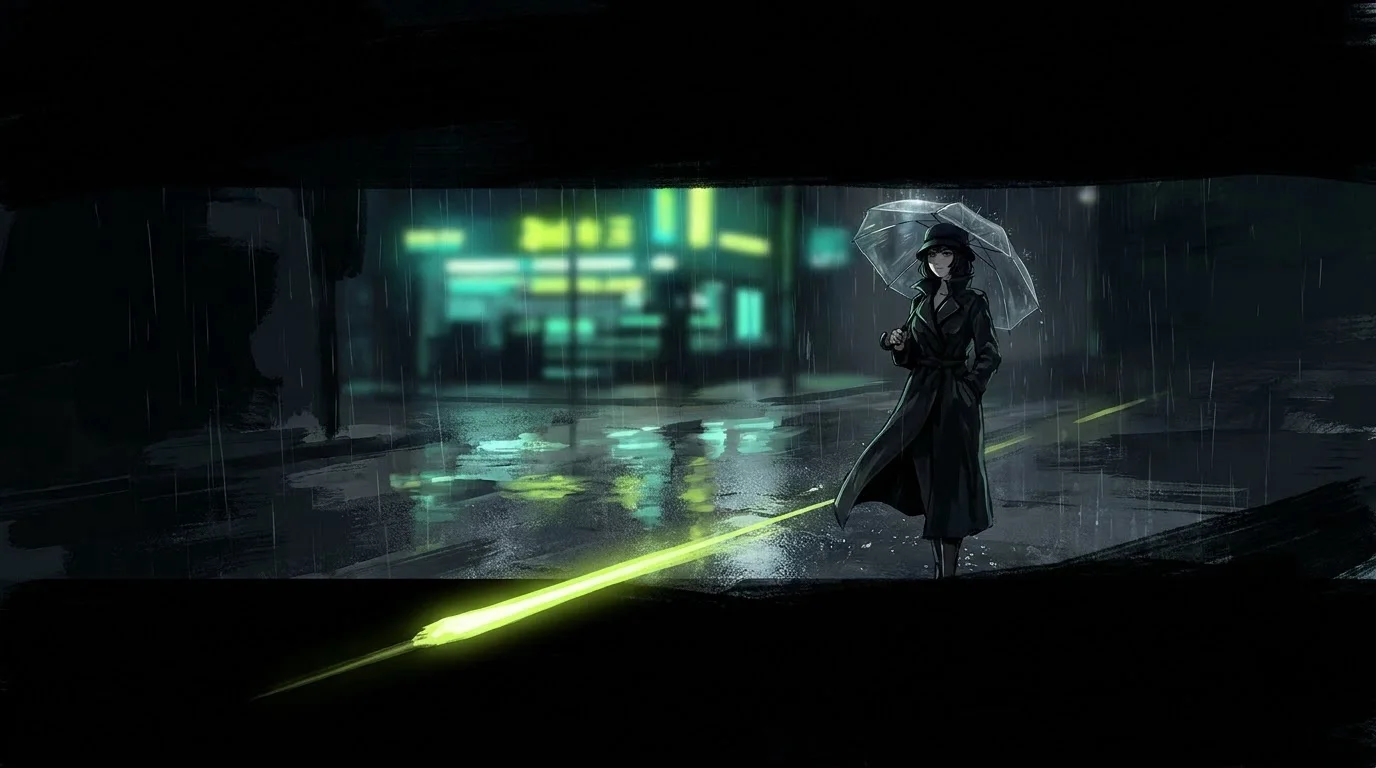
Anime illustration of a narrow city street at night in the rain, glowing shop signs, reflections in puddles, a lone figure with a clear umbrella, cinematic wide shot.
Bold poster for a summer music festival, large hand-lettered title "Sunset Sessions", palm silhouettes, orange and pink gradient sky, grain texture, 1970s print style.
An AI image generator turns a written description into a picture. You type "a red vintage car on a rainy street at night" and the model draws it from scratch, with lighting, reflections and depth that look like a photo or an illustration, depending on what you ask for.
Newer models also read pictures. On Do0p you can give the generator a selfie, a product shot or a piece of clothing, and it keeps that exact thing in the new image. That is what makes AI images useful for real work: the same face across a whole set of photos, or your own product in a scene you never photographed.
Every model on Do0p is priced per image, so you can start cheap and switch up only when you need more.
Most bad results come from vague prompts. A short checklist fixes almost all of them.
Single prompts are fine for one-off pictures. If you want a series, such as an Instagram feed, a brand mascot or a story, create a character on Do0p first. You upload a few photos once, and every new image starts from that identity, so the face does not change from one picture to the next.
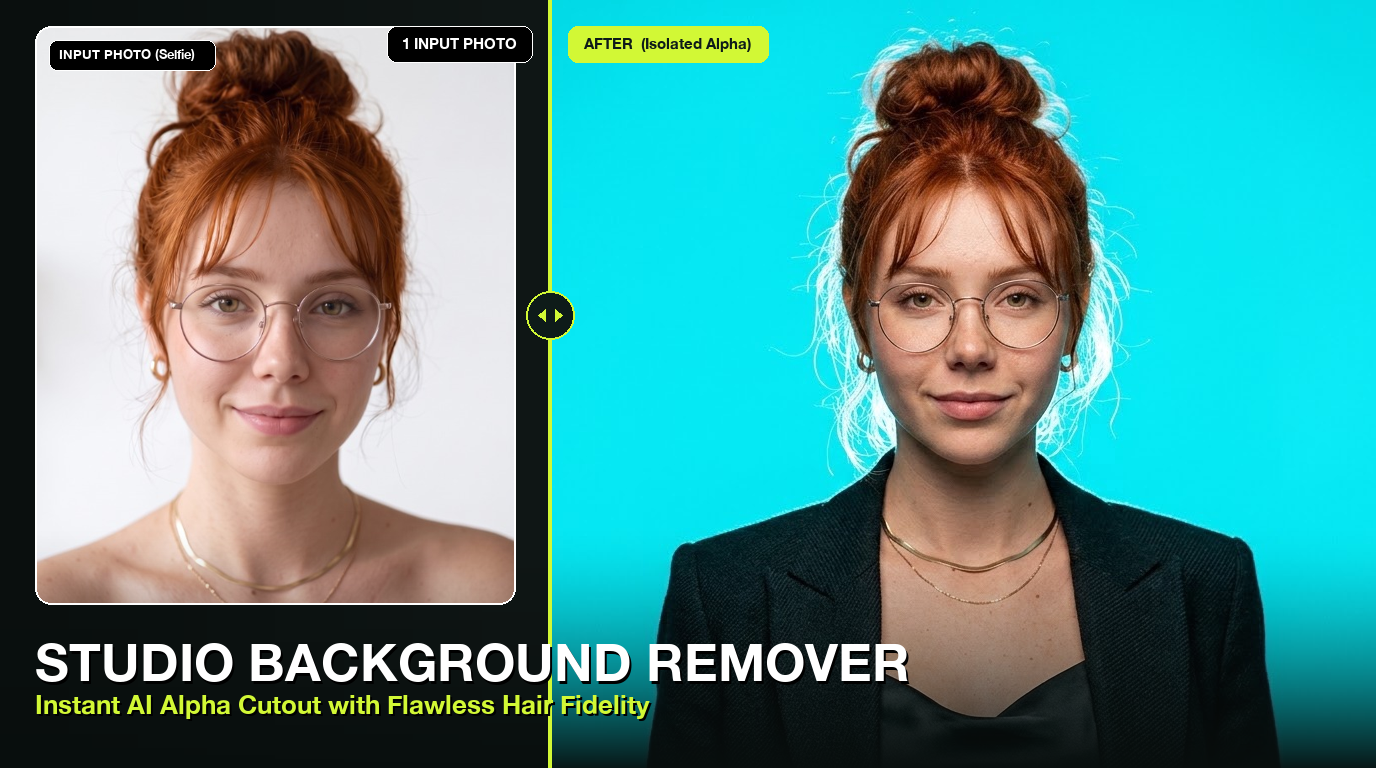
Studio Alpha Background Remover
Instant AI background removal producing transparent PNGs with ultra-fine hair and edge fidelity
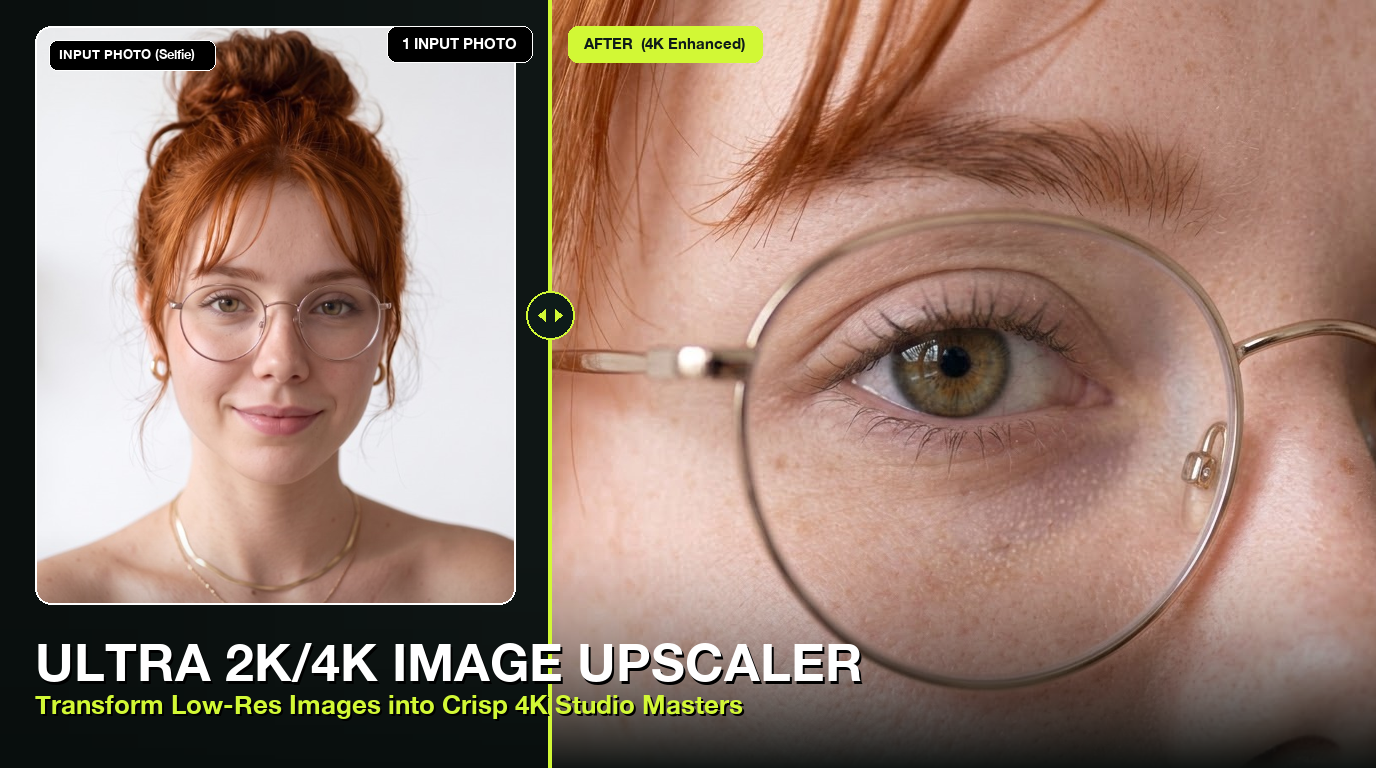
2x Image Upscaler
Double the resolution of any image with a sharp Lanczos filter (up to 4096 px)
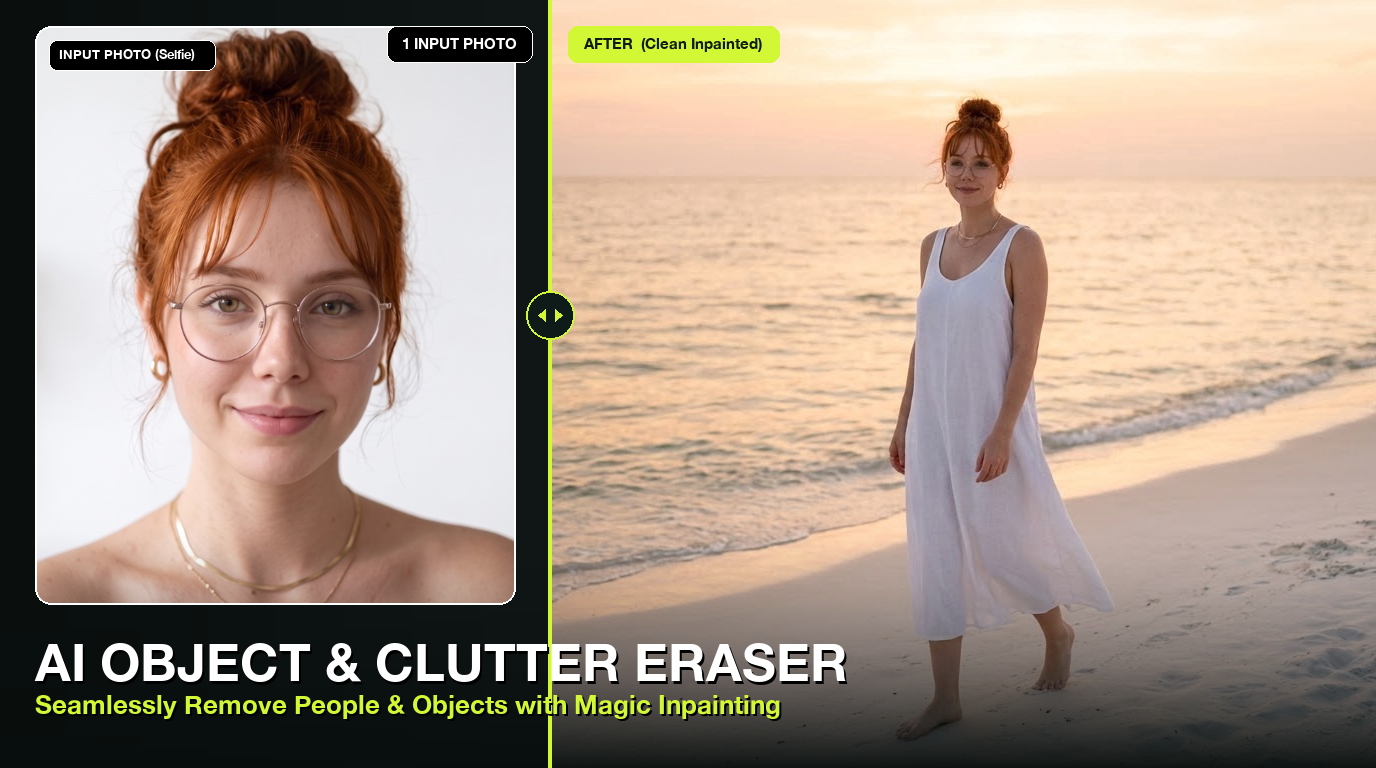
AI Object & Person Eraser
Cleanly erase unwanted people, photobombers, text, wires, and objects from your photos with seamless background inpainting
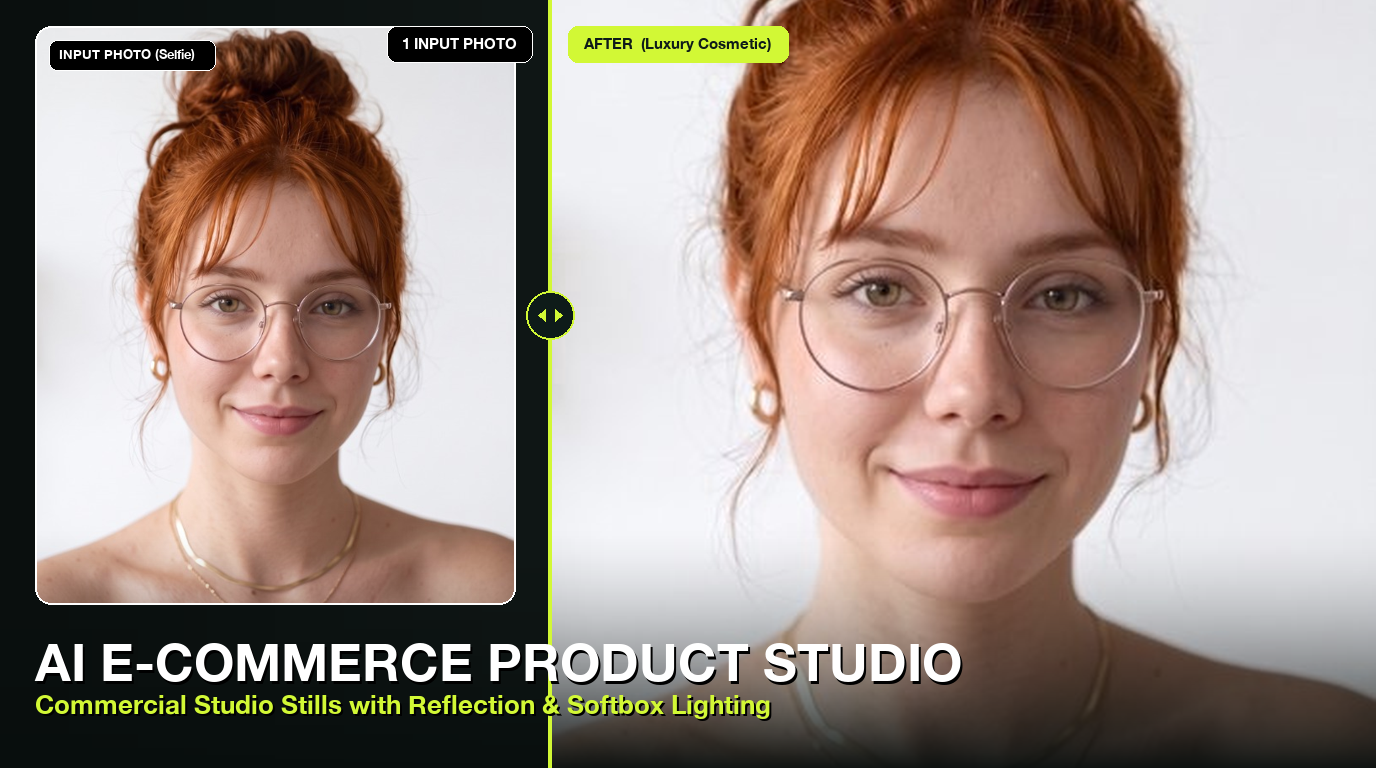
AI E-Commerce Studio Product Photography
Transform smartphone product photos into luxury commercial advertising shoots with marble podiums, softboxes, and water reflections
Questions
New accounts get free credits, enough for several images. After that you pay per image, from 0.5 credits. There is no subscription and credits do not expire.
Yes. Images you generate are yours to use in ads, social posts and products, as long as your prompt and uploads do not copy someone else’s work or likeness.
Yes. Upload a photo of yourself as a reference, or create a character once and reuse it in every image.
No. Downloads are clean, full-size files.
Sexual content, real public figures and photos of children are blocked by the models’ safety filters.