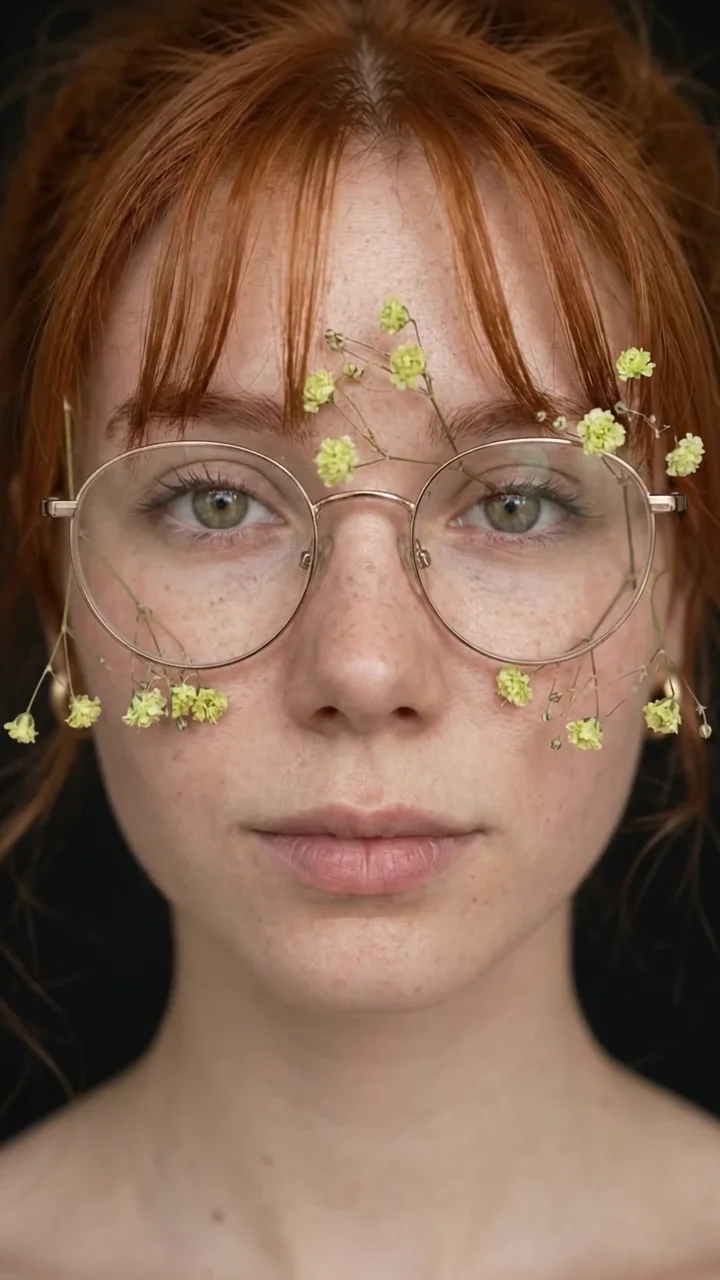
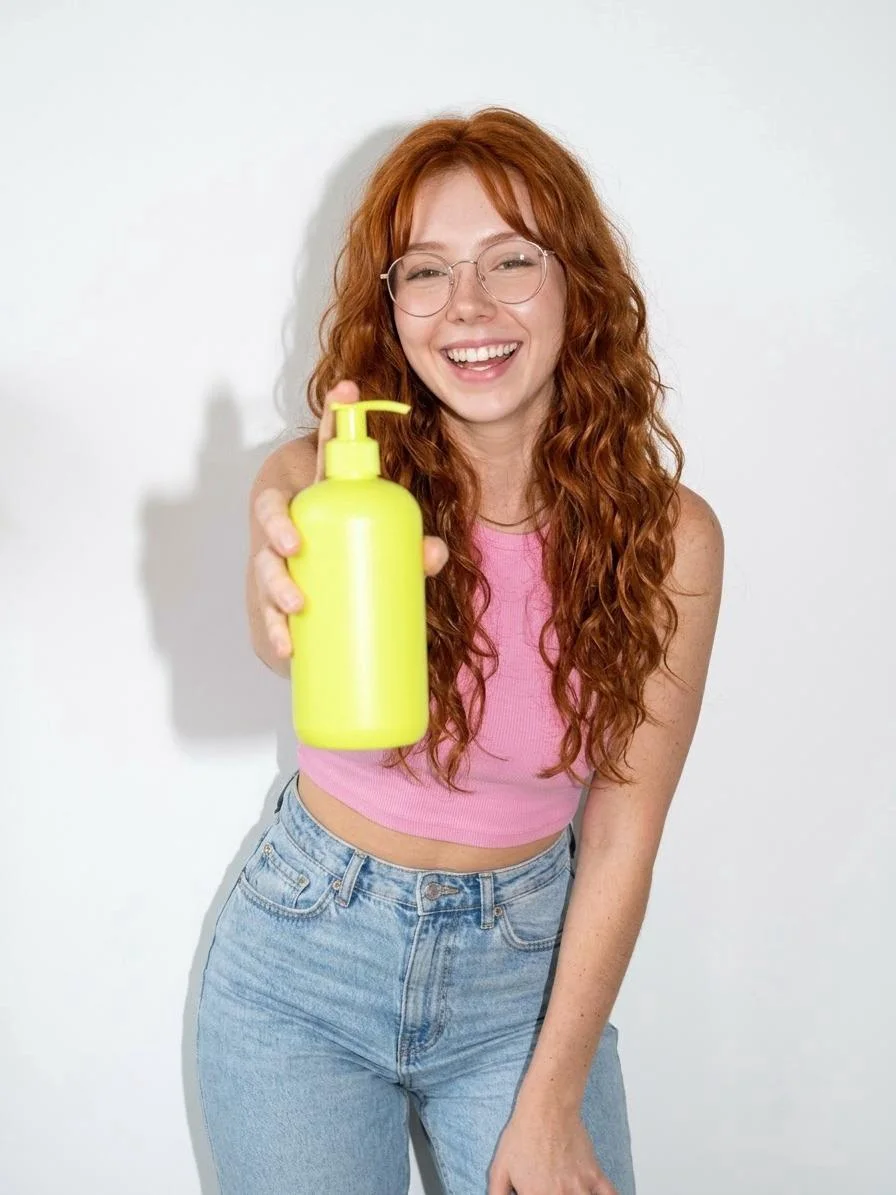
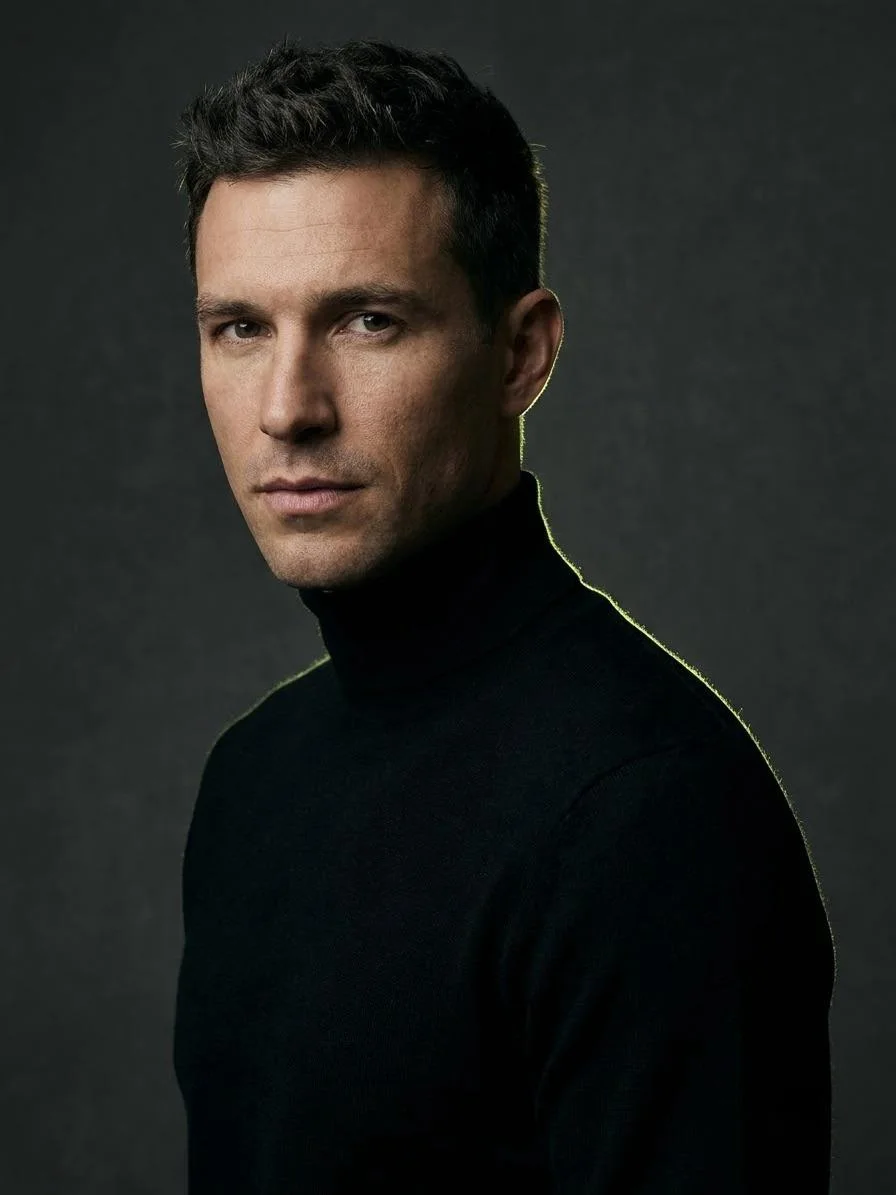
Product reveal
Slow push-in on the perfume bottle from the photo standing on wet black stone, a single drop falls and splashes, soft rim light, quiet ambient music.
AI Video Generator
Write a scene or start from a photo, and get a 5 to 15 second clip with matching sound in about a minute and a half. Perfect for Reels, Shorts, ads and story scenes.
Made on Do0p
Every clip below started from one sentence or one picture.
How it works
Say who is in it, what happens and how the camera moves. Add dialogue in quotes if you want speech.
Optional: upload a photo and the video starts from it, keeping the person, outfit and place.
Pick 5, 10 or 15 seconds. The clip arrives with sound in about 90 seconds.
Prompts
Each one works in Create with a reference photo. Change the colours, place or mood to make it yours.
Slow push-in on the perfume bottle from the photo standing on wet black stone, a single drop falls and splashes, soft rim light, quiet ambient music.
The person in the photo looks into the camera, smiles and says "This took me one minute to make", natural daylight, handheld phone framing.
The model walks toward the camera on a city street at golden hour, coat moving in the wind, shallow depth of field, slow motion, soft city sounds.
Wide shot of a lone traveller on a cliff above the sea at sunrise, camera slowly circles around them, waves crashing, orchestral swell.
Short and specific wins. Current video models are best at one continuous shot of 5 to 15 seconds. Describe a single action ("she turns and laughs"), one camera move ("slow push-in") and the mood of the sound. Long lists of events in one prompt usually produce a muddled clip.
Starting from a picture gives you the most control. Make the frame you want with the image generator first, then animate it. The person, clothes and background stay as they were.
Omni 1.2 Flash creates the audio together with the picture: footsteps, music, room sound and spoken lines with lip-sync. Put dialogue in quotes in your prompt. Voices are chosen from presets; you cannot clone your own voice with this model.
Video costs 3 credits a second up to 10 seconds, so a 5 second clip is about 15 credits. Drafts at 360p cost a third of that, which is a cheap way to test a prompt before the final render. Failed generations are refunded automatically.
For an ongoing account, such as an AI influencer, a brand face or a story, create a character first and use it as the start frame of every clip. The Shorts and Film studios do this for you: they plan the scenes, keep the character consistent and stitch the clips together.
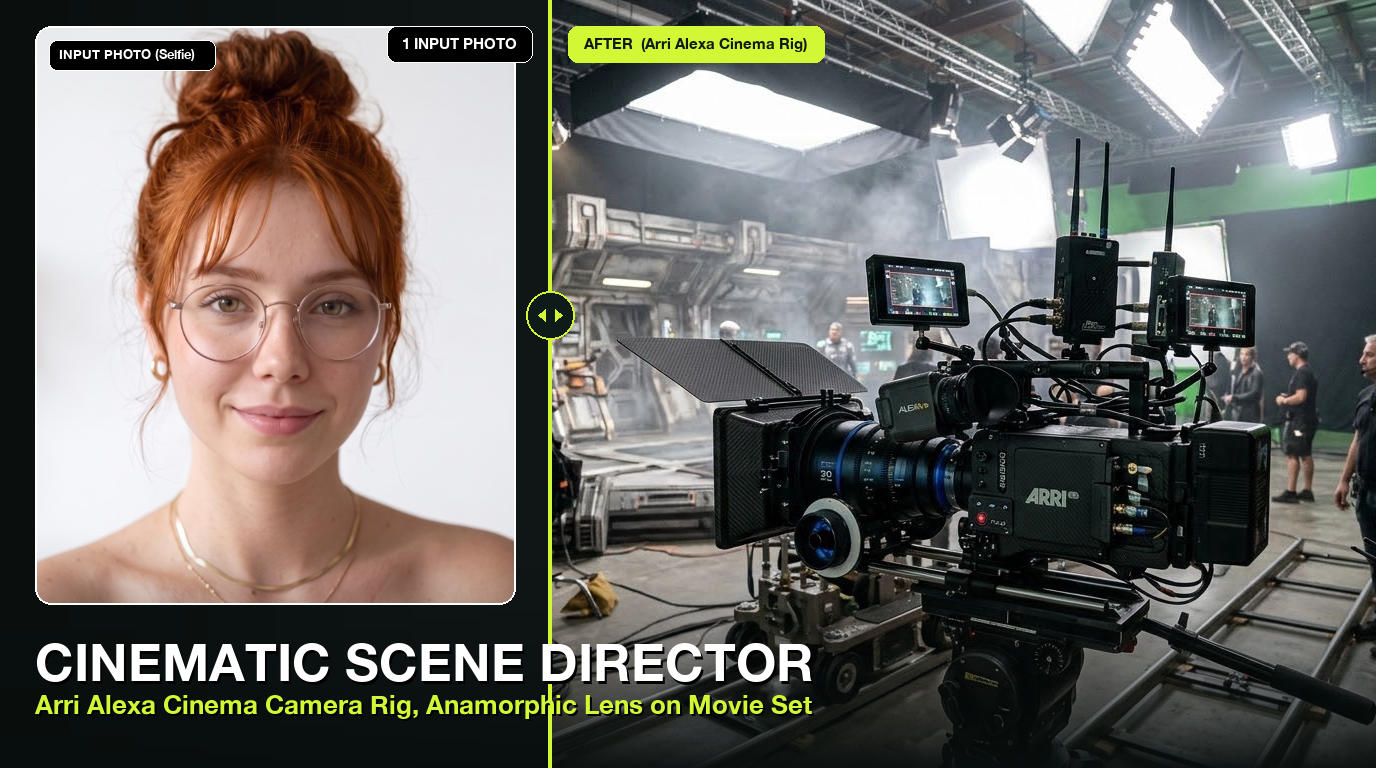
Omni 1.2 Flash 15s AI Video Generator
Synthesize 3s to 15s cinematic HD videos with Google Flow’s upgraded Omni 1.2 Flash engine

AI Talking Head & Lip-Sync Video Maker
Transform any still portrait photo into a talking, lifelike AI presenter with realistic lip-sync, blinking, and natural head motion

AI Hugging Video Generator
Reunion hugs, memorial hugs, and warm family embraces between any two photos

AI Viral TikTok Dance Animator
Animate any still photo of yourself, friend, celebrity, or mascot into viral TikTok and K-Pop dance routines
Questions
You get free credits when you sign up, enough to try video. After that a 5 second clip costs about 15 credits, with no subscription.
About 90 seconds for a 5 second clip.
Yes. Upload a photo as the start frame and describe what should happen. See the image to video page for tips.
Yes. Sound effects, music and spoken lines are generated with the video.
Each clip is up to 15 seconds. The Shorts and Film studios join several clips into one longer video.