
AI Photo Editor

AI photo editor. Just say the change.

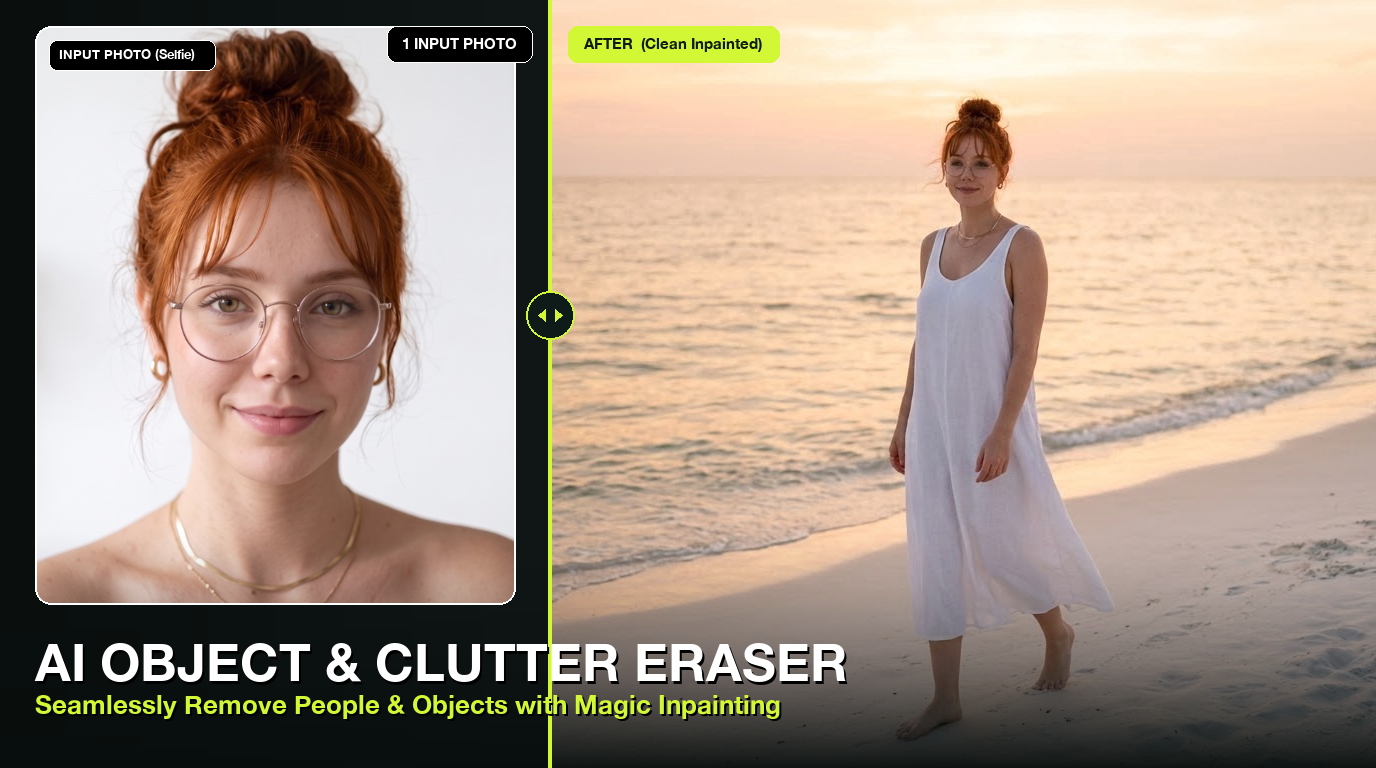
Upload a photo and type what should change: “put me on a beach at sunset”, “make the jacket black”, “remove the people behind me”. The rest of the picture stays as it was.

  • From 0.8 credits per edit
  • Free credits when you sign up
  • Updated 15 Nov 2026

Made on Do0p

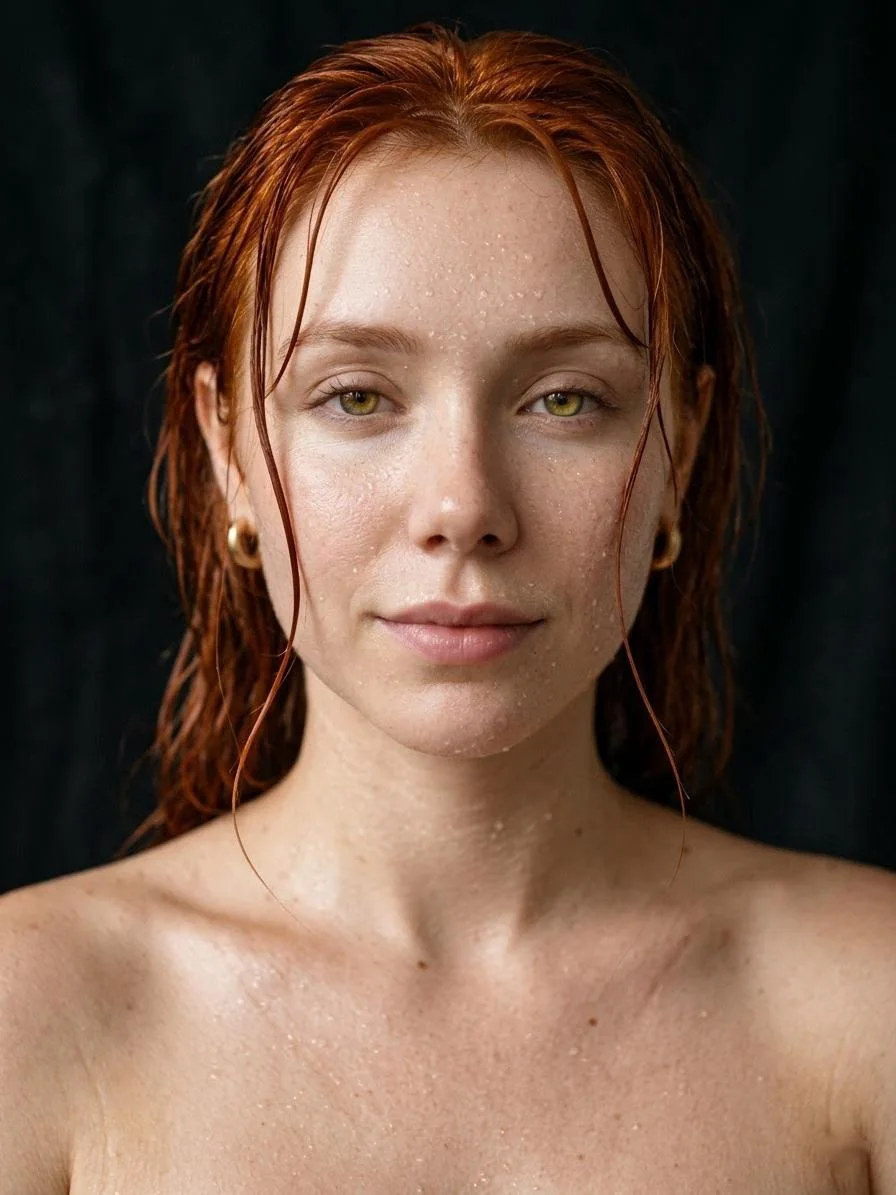
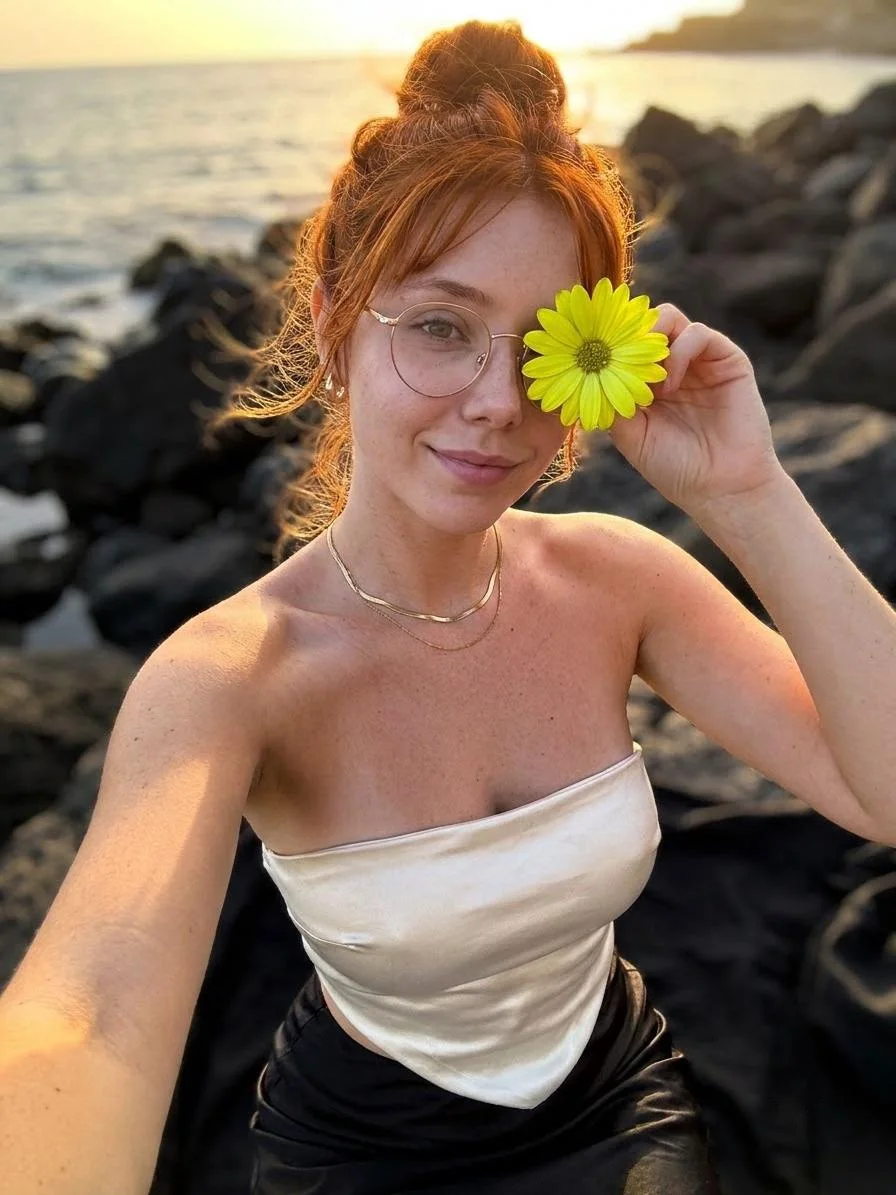
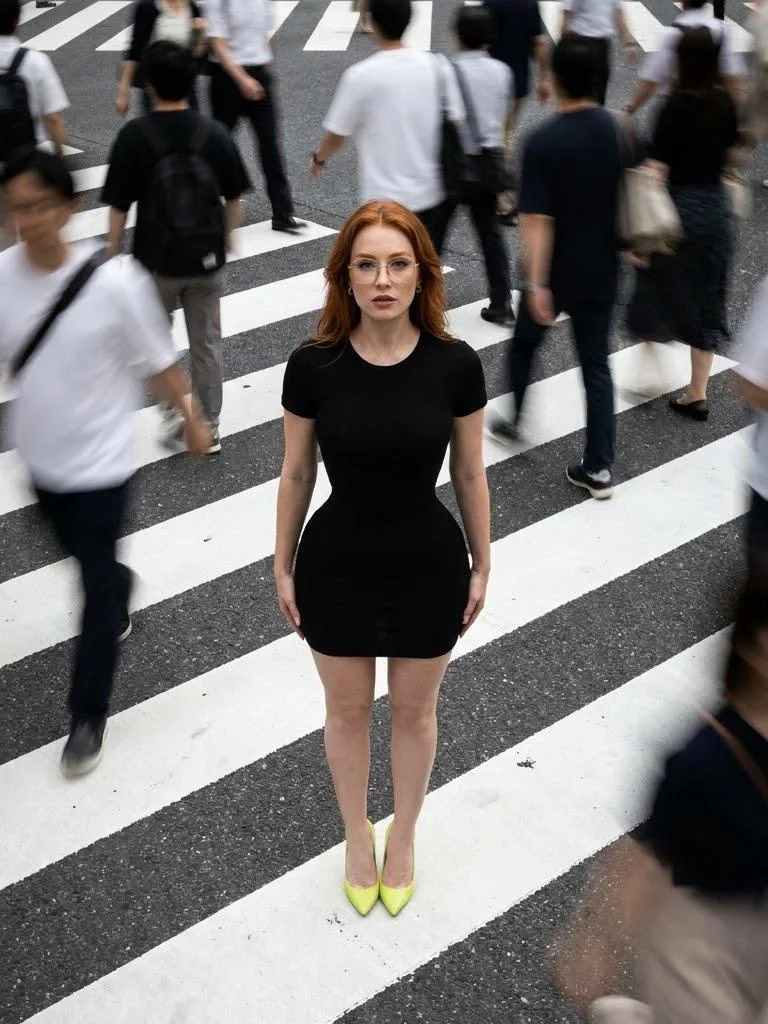
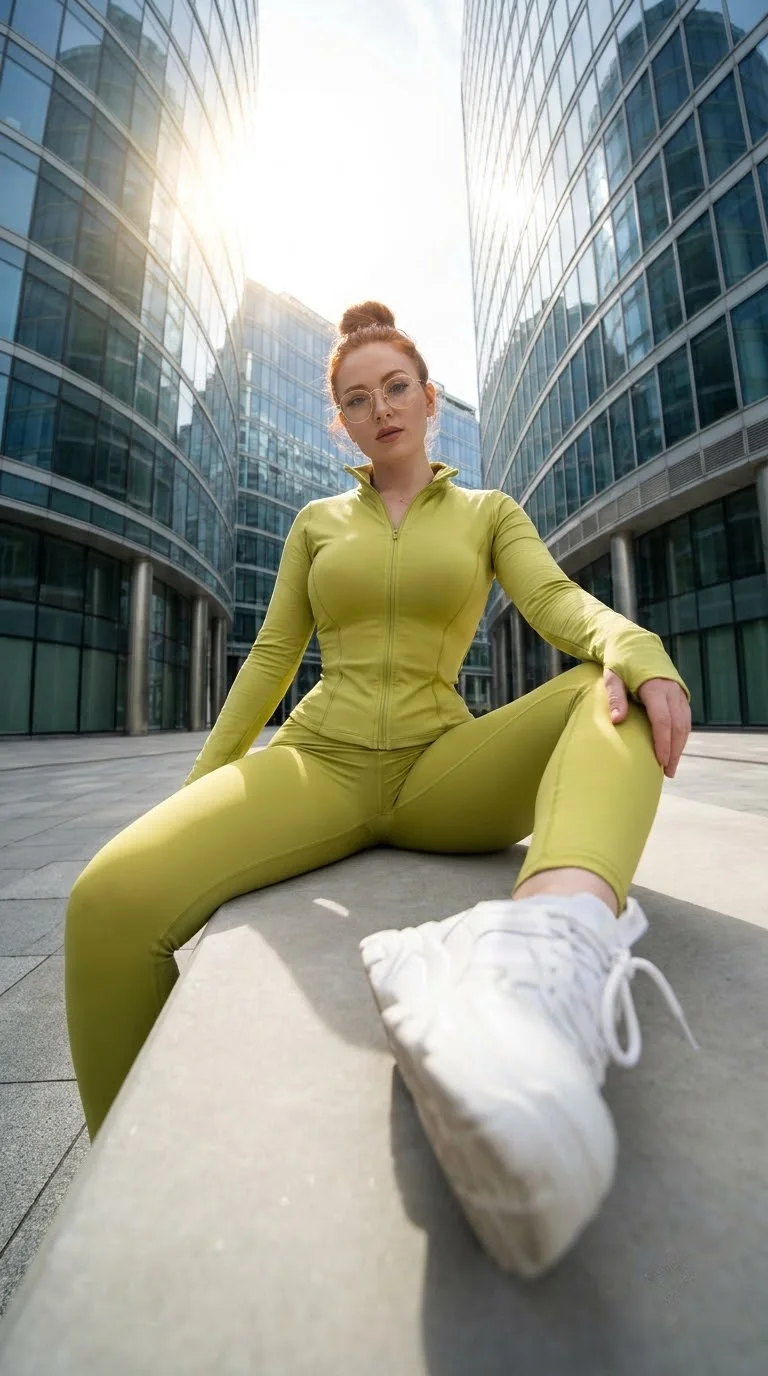
One face, many edits

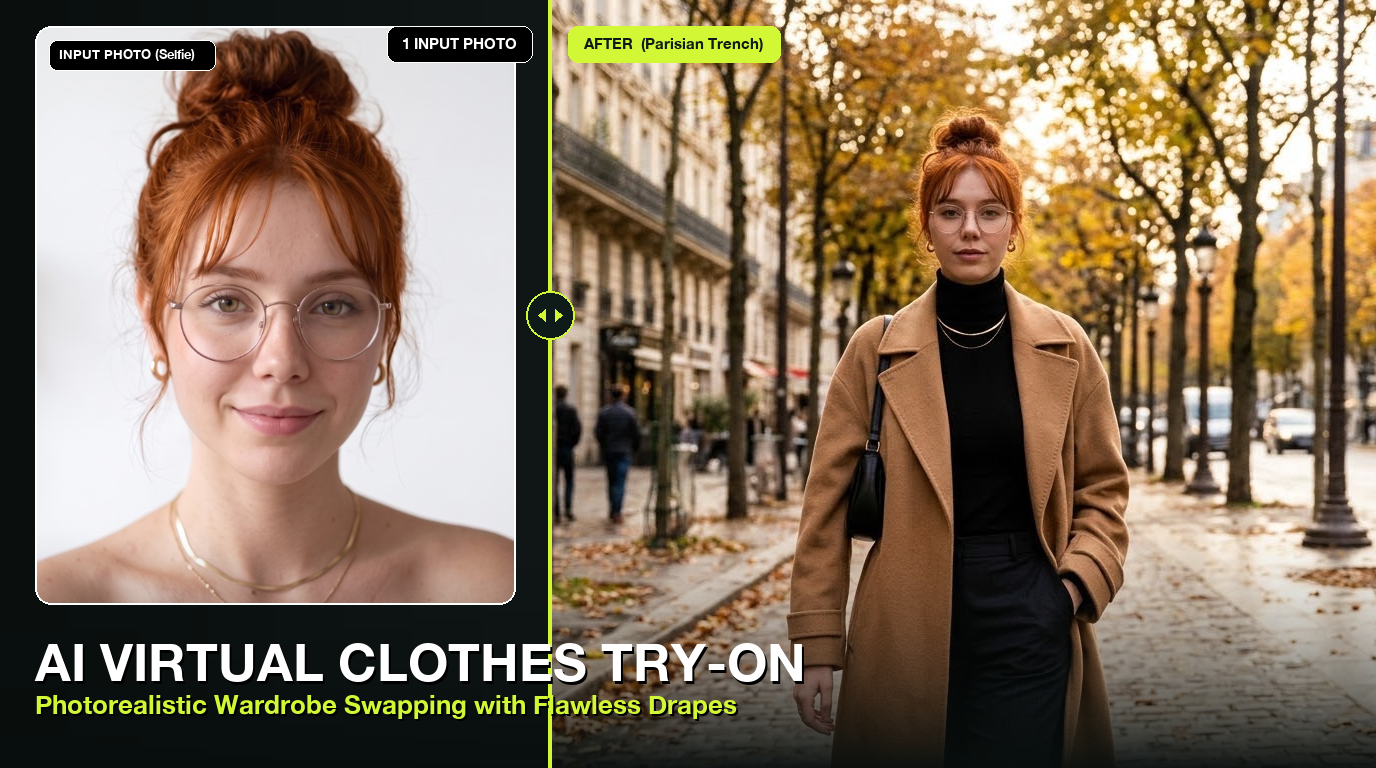
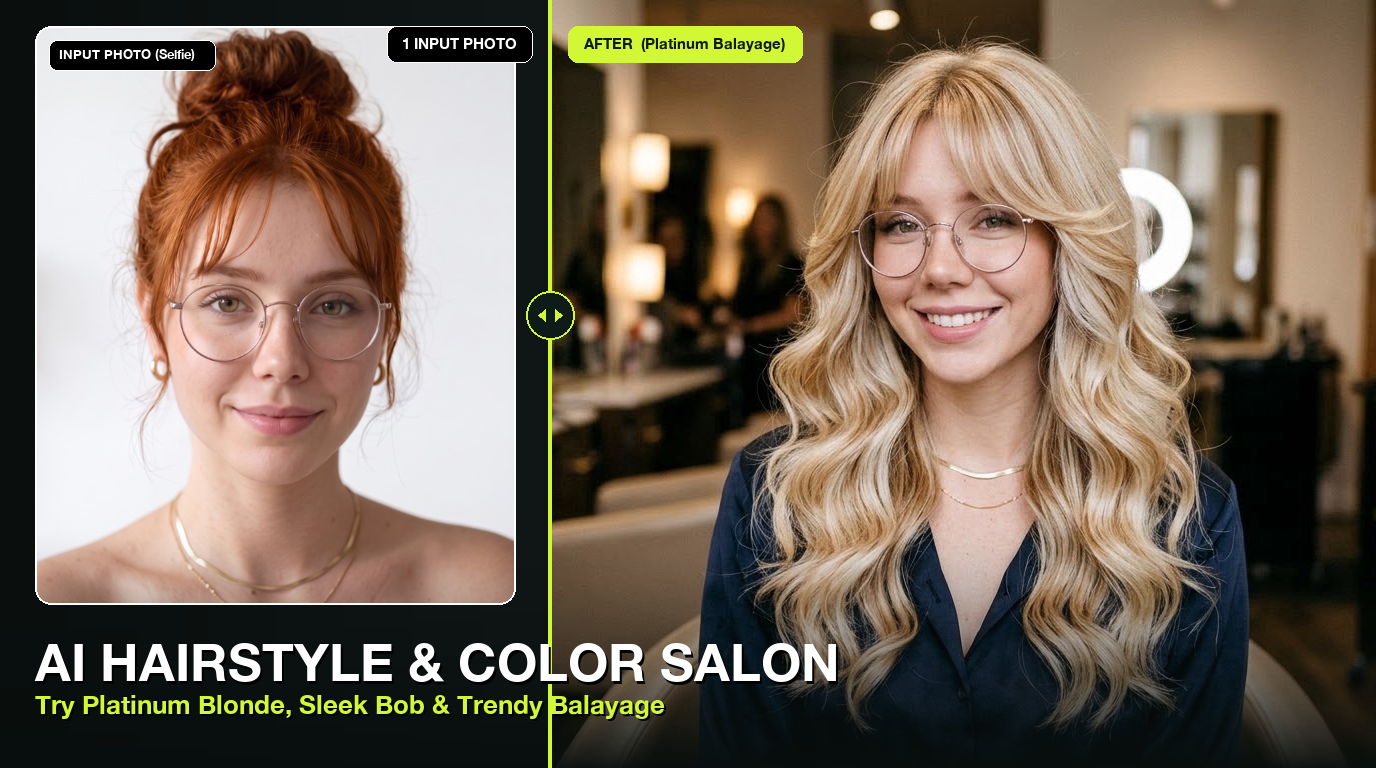
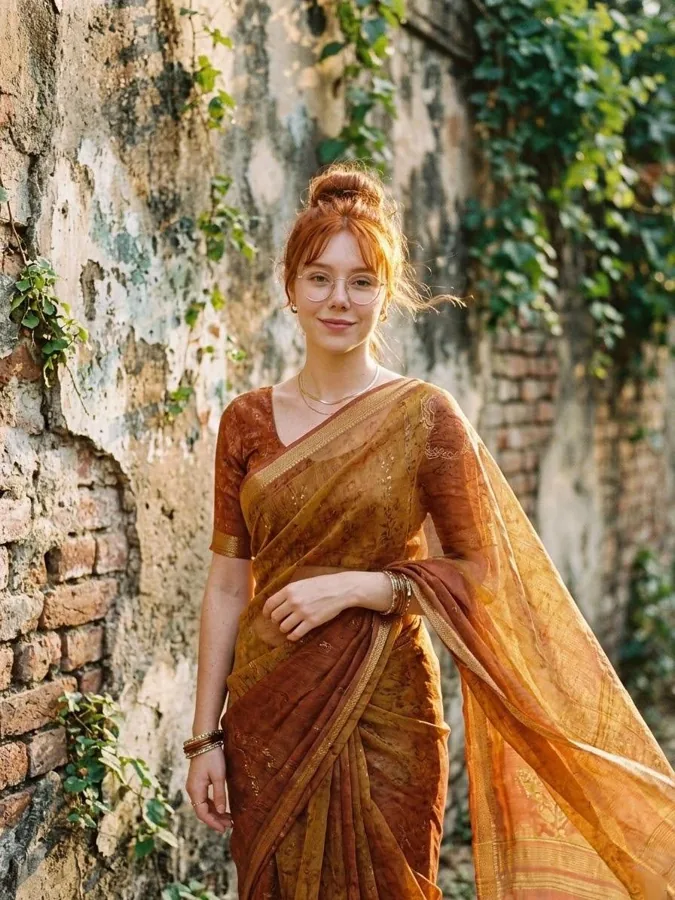
The same person placed in new scenes, outfits and light, without a photoshoot.

Edit a photo
Same person edited onto a golden beach
New place
Same person in a lime tracksuit, fisheye lens
New outfit
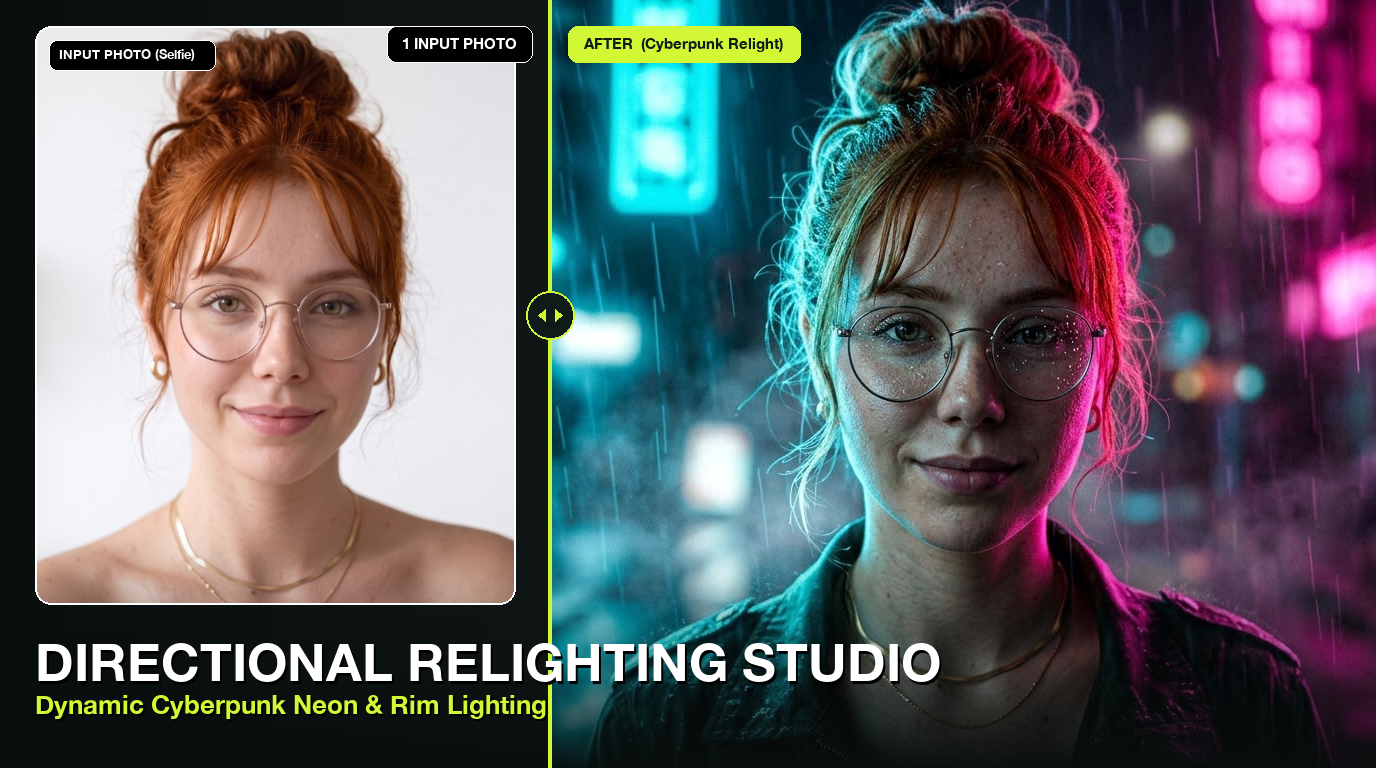
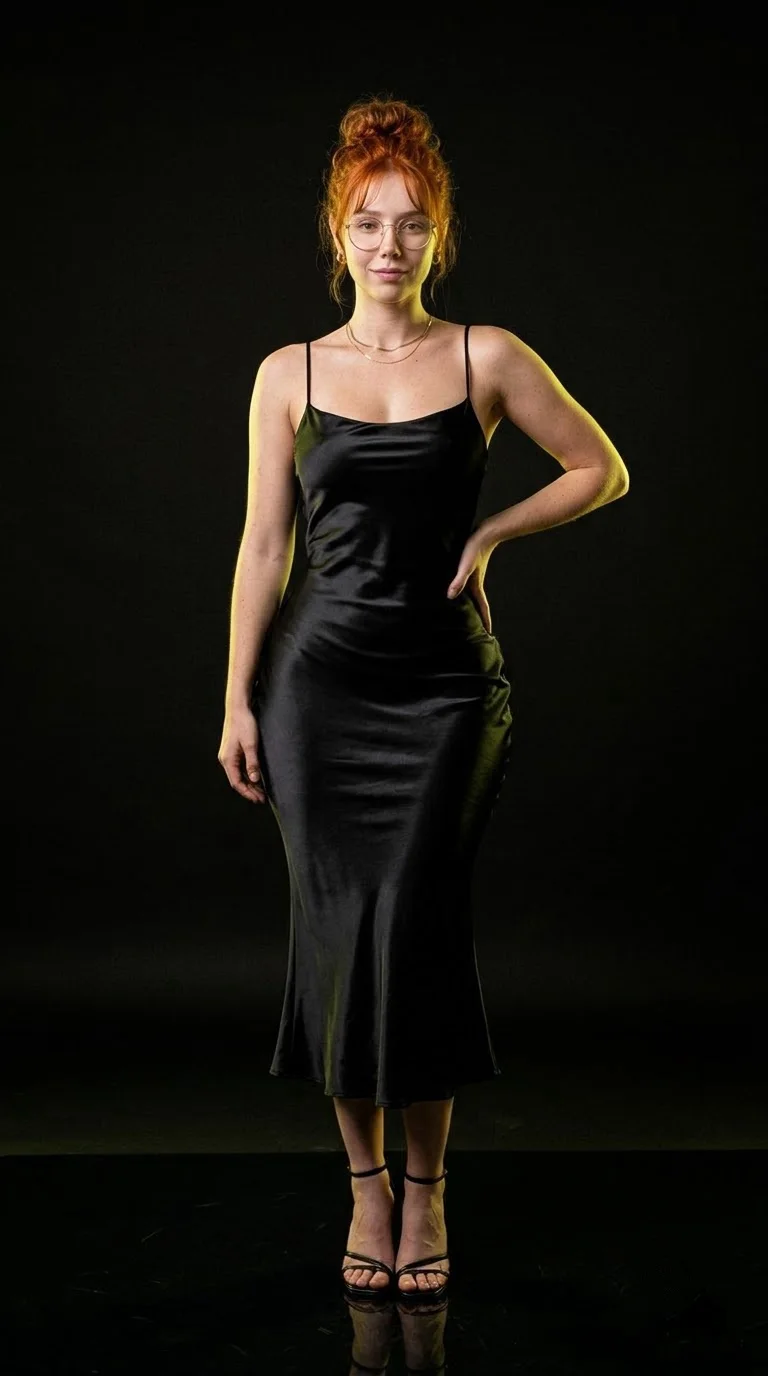
Same person in black satin, studio light
New light
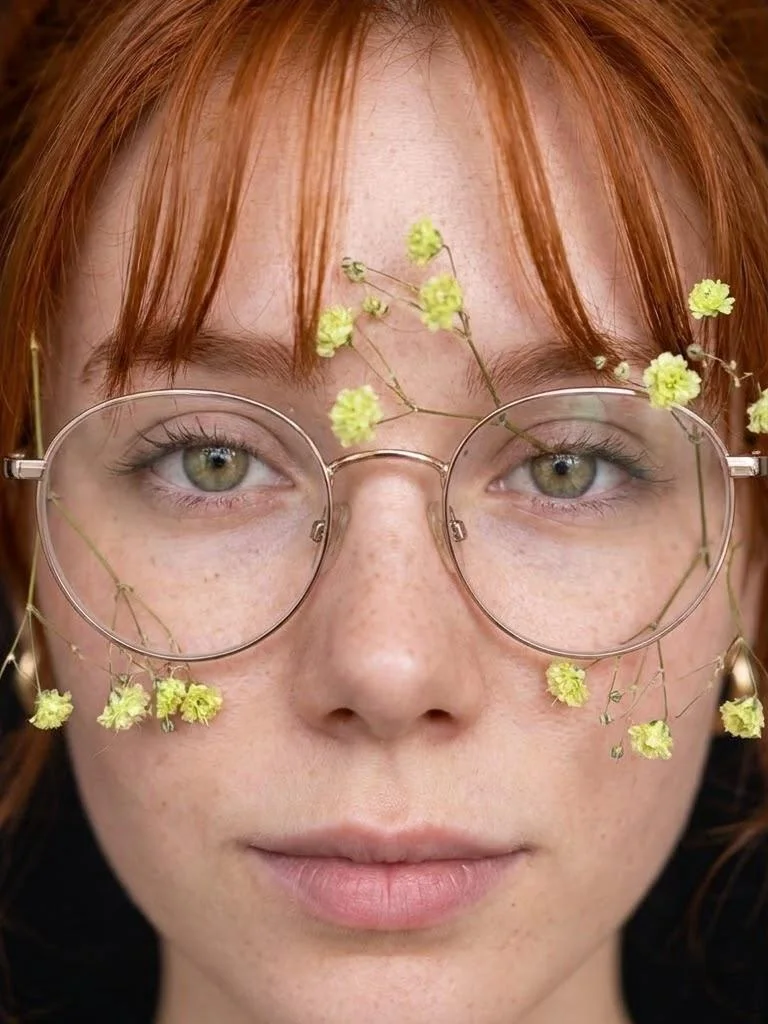
Close-up with floral glasses
Accessories

How it works

3 steps. About a minute.

  1. 1

    Upload your photo

    Any photo from your phone or computer.

  2. 2

    Type the change

    Background, outfit, light, style, objects. Plain words, no masks or layers.

  3. 3

    Download

    Get the edited photo in full size, or keep editing from the new version.

Edit with words instead of tools

Classic photo editors need selections, layers and a lot of time. An AI photo editor understands the picture: it knows what is the person, what is the sky and what is the shirt. You tell it what to change and it redraws only that part, matching light and perspective.

This makes edits that used to take an hour, like moving someone to a different city or changing the season, a matter of seconds.
Popular edits

These are the edits people ask for most, and the words that work best.

  • Change the background: “put her in a Paris café, morning light”.
  • Change clothes: “make the outfit a black suit”.
  • Remove things: “remove the people in the background”.
  • Fix light: “soft golden hour light from the right”.
  • Restyle: “turn this into an anime illustration”.

One-click fixes

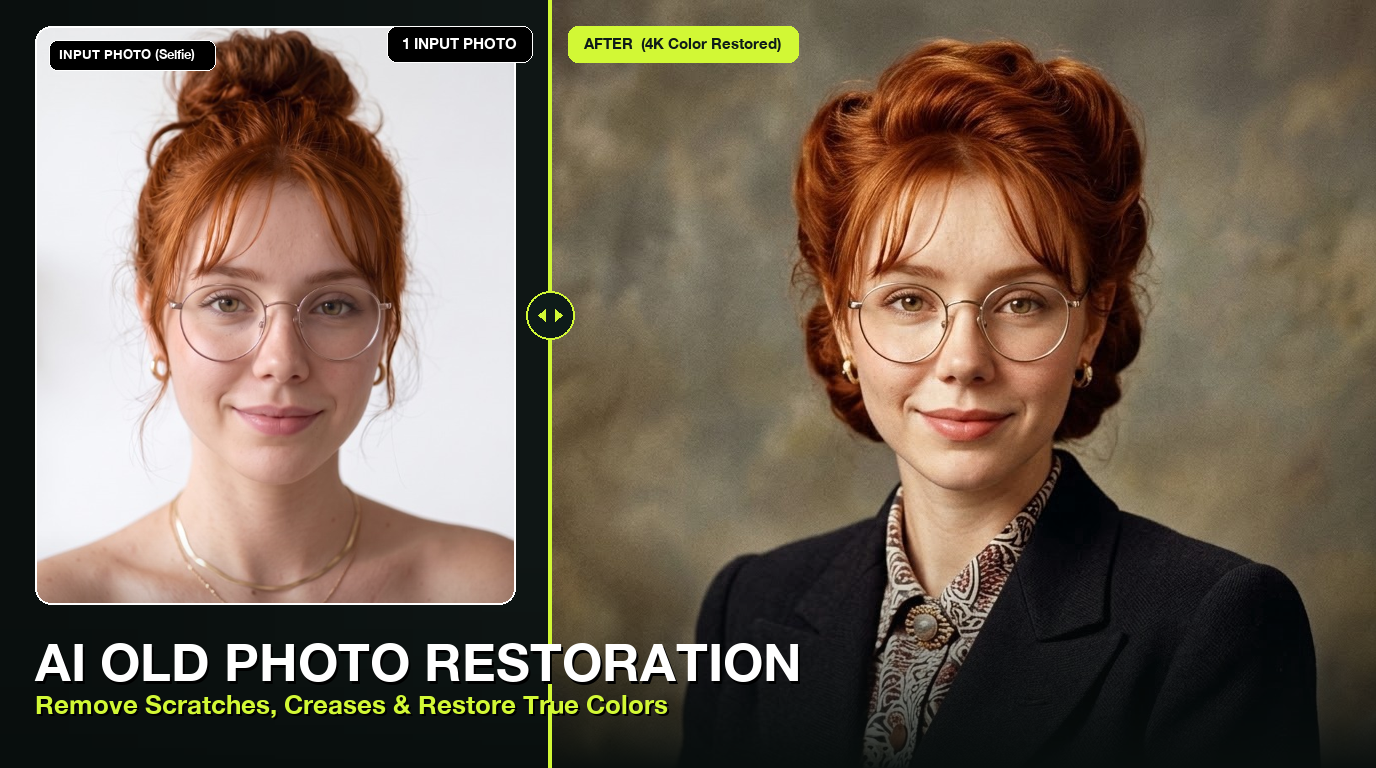
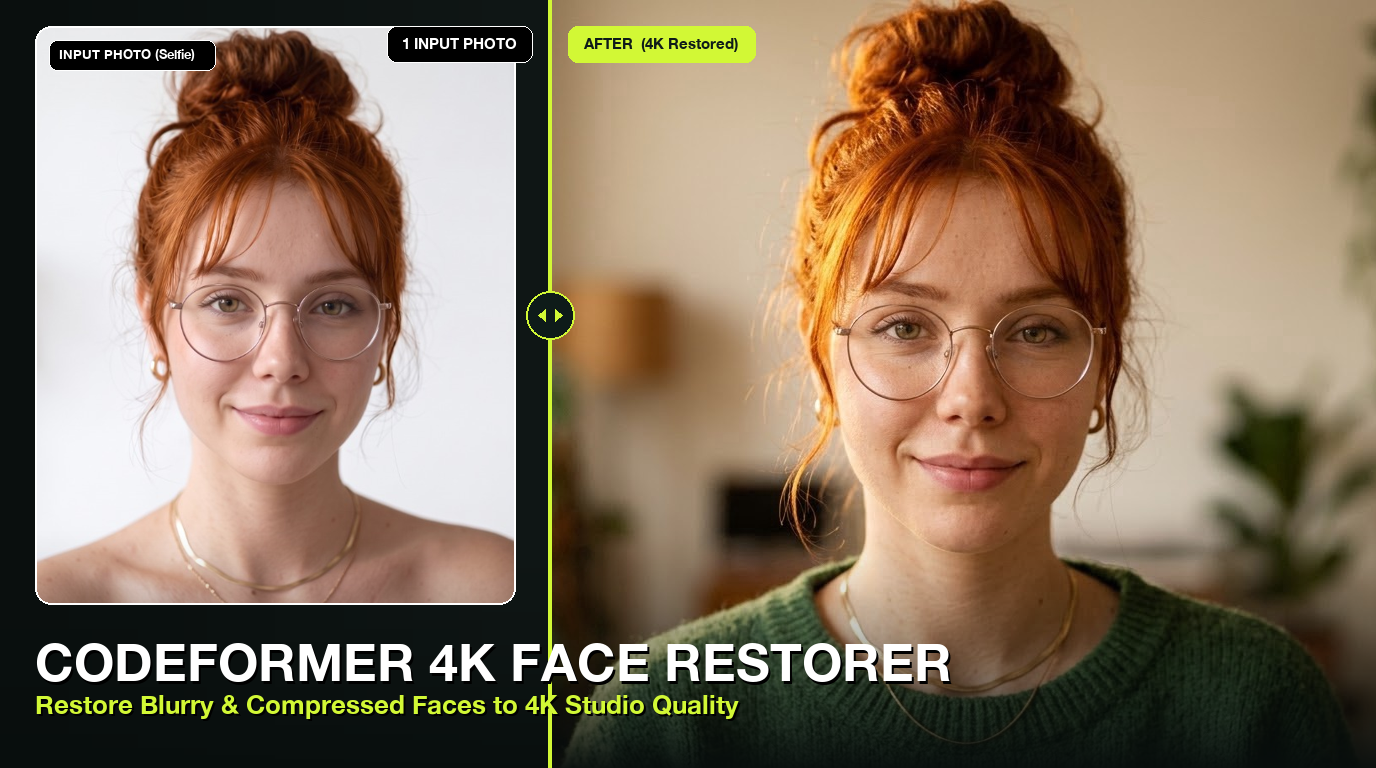
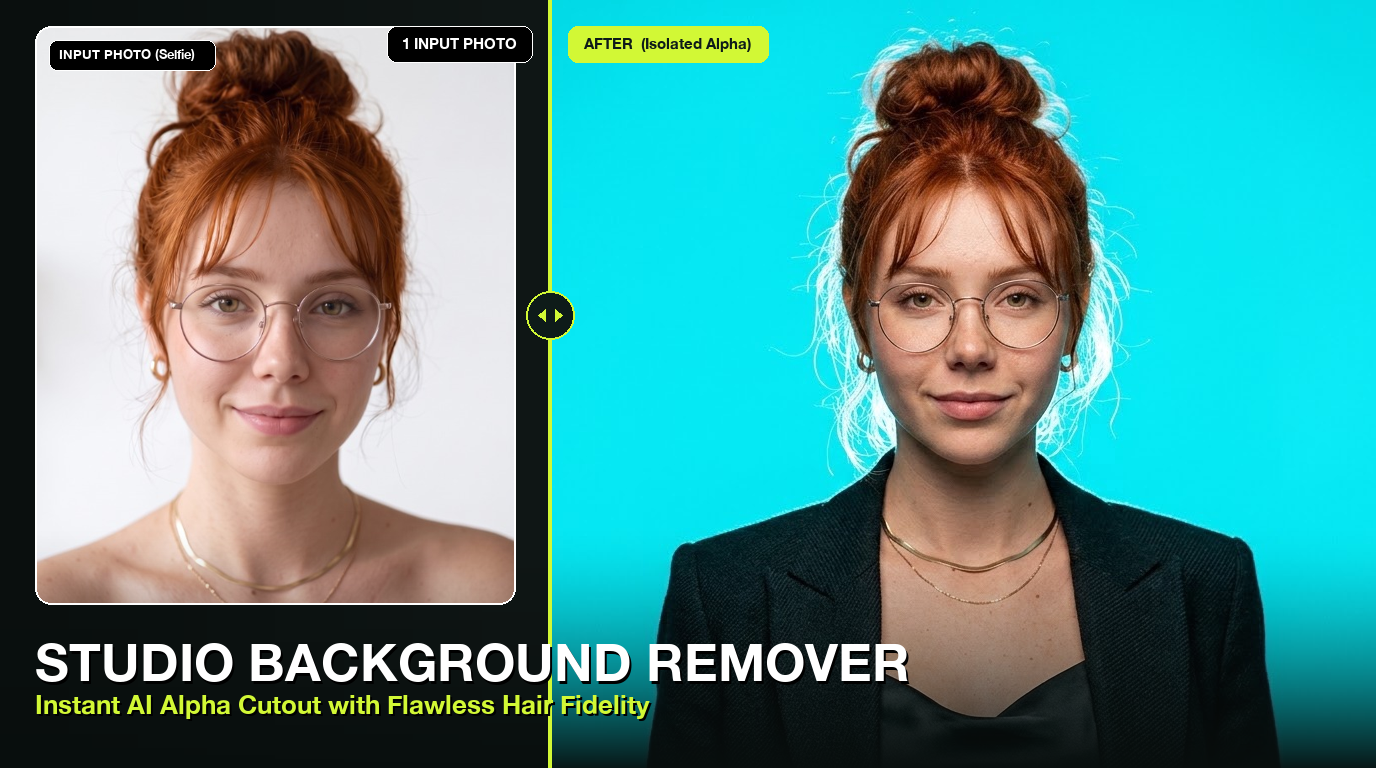
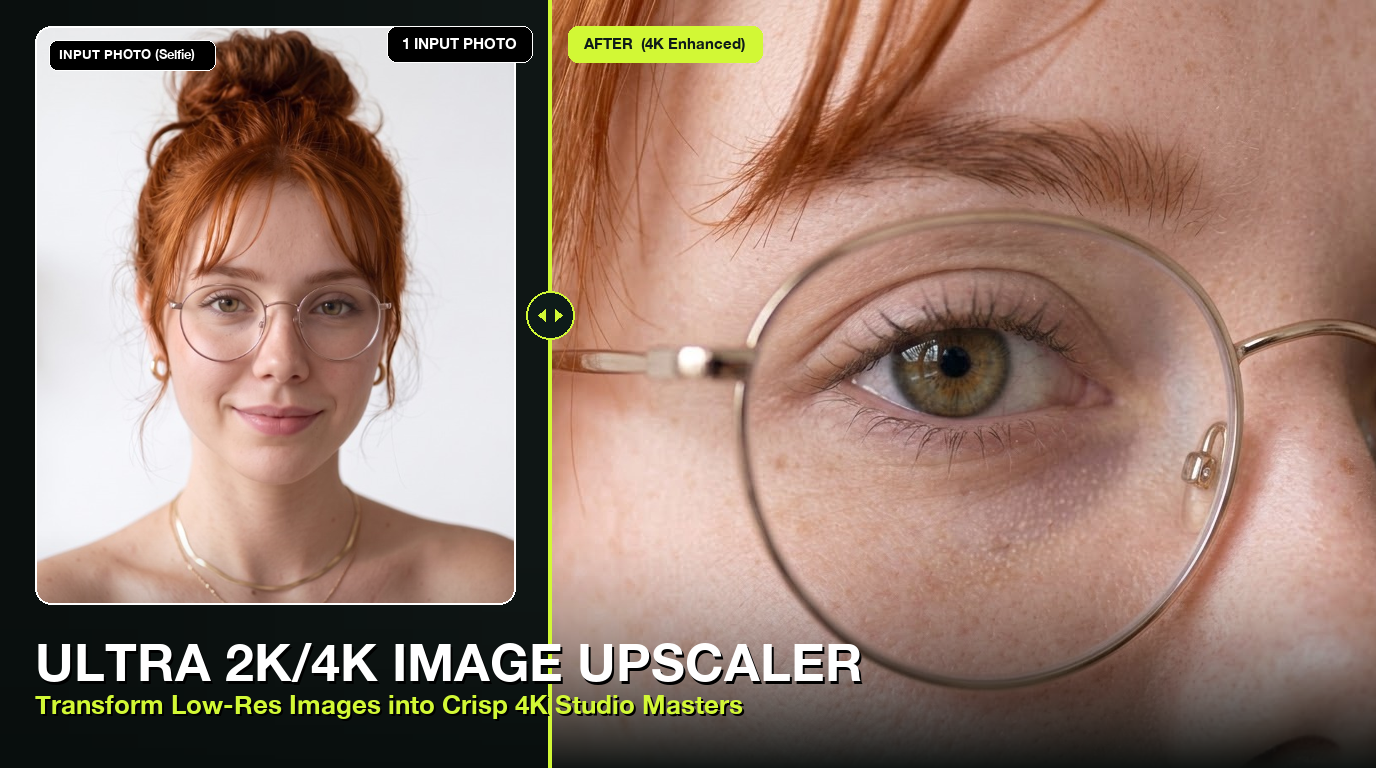
For common jobs there are dedicated tools that need no prompt at all: background remover, 2× upscaler, old photo repair and colouring, face restore and object eraser. Use them on their own or after an edit.

One-click tools for this.

Questions

Good to know.

Is it free?

New accounts get free credits. After that edits cost from 0.8 credits each, with no subscription.

Will it change my face?

It keeps faces as they are unless you ask for a change. For best results use a clear, well-lit photo.

Can I edit on my phone?

Yes, Do0p works in the browser on Android and iPhone.

Can it remove a watermark?

There is a watermark remover for AI watermarks on images you made. Do not use it on other people’s copyrighted photos.

What format do I get?

A full-size image you can download and share anywhere.