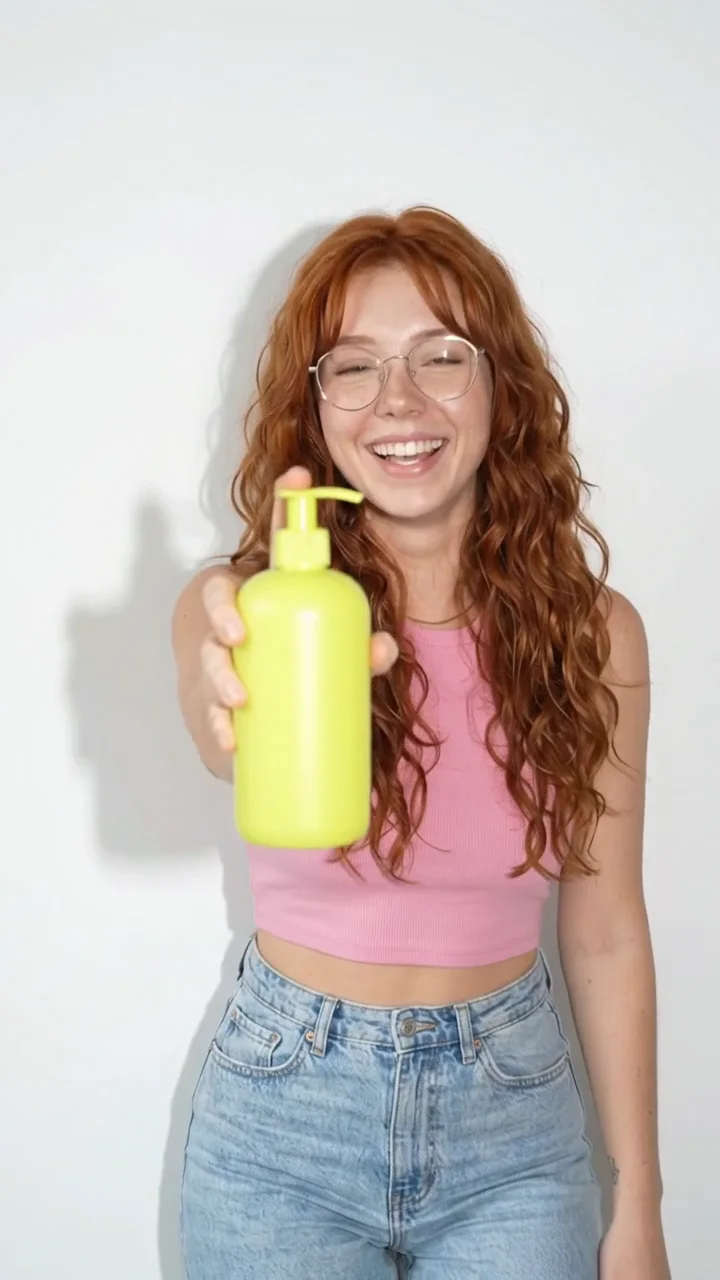
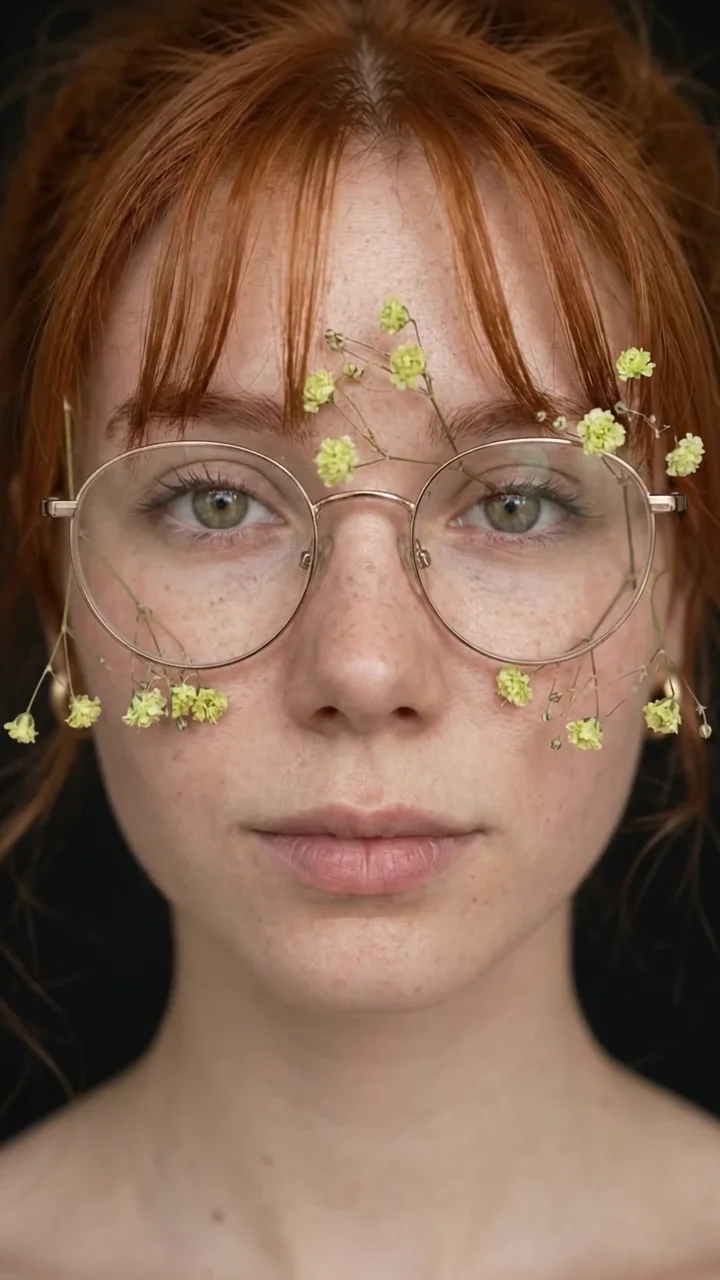
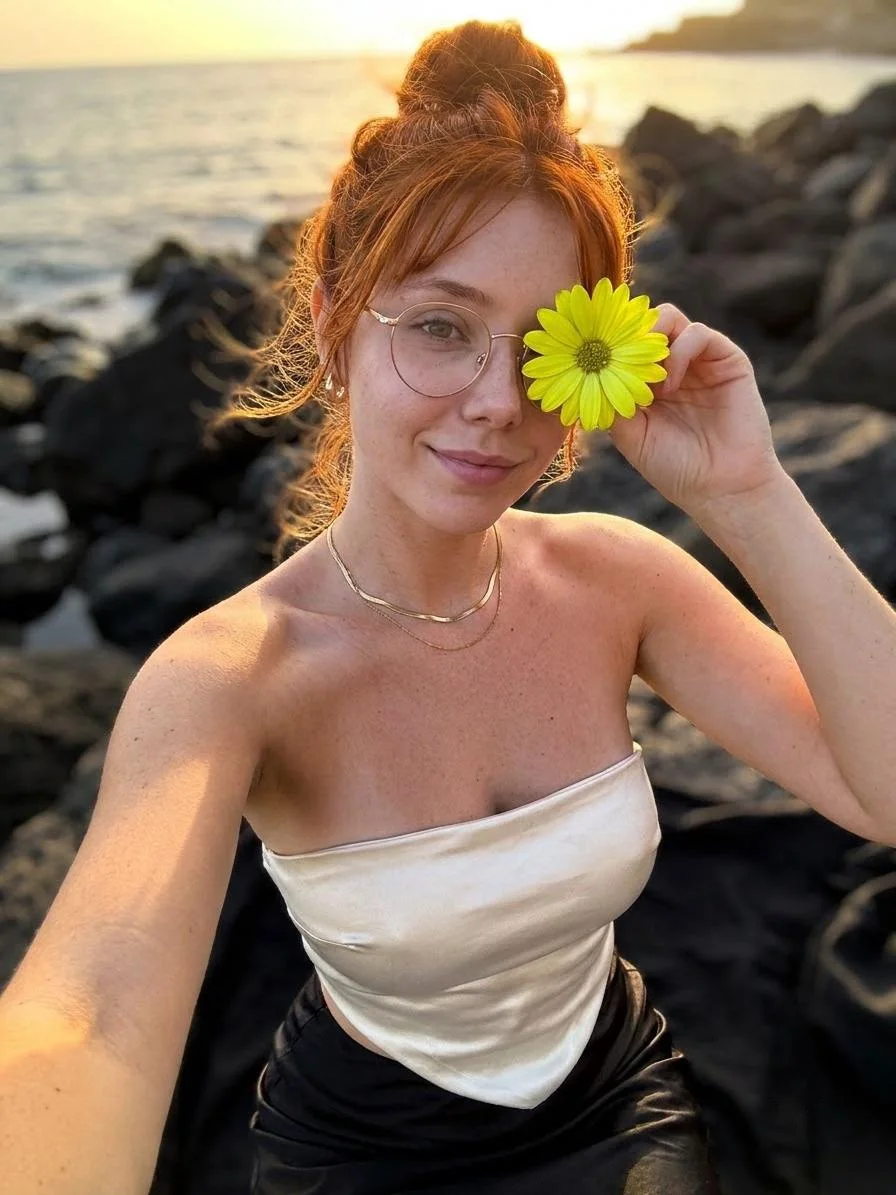
Gentle portrait
The person slowly turns their head toward the camera, blinks and smiles softly, hair moving slightly in a breeze, background stays still.
Image to Video AI
Upload a photo, say what should move, and get a short video that starts exactly from your picture. Faces, clothes and products stay the same while the scene comes alive, with sound.
Made on Do0p
Each clip started from the still frame you see first.
How it works
A selfie, a product shot, a painting or an AI image you made. Sharp, well-lit photos work best.
“She turns and smiles”, “slow zoom in”, “the waves move”. One action, one camera move.
Download a 5–15 second video with sound, ready for Reels, Shorts or WhatsApp status.
Prompts
Each one works in Create with a reference photo. Change the colours, place or mood to make it yours.
The person slowly turns their head toward the camera, blinks and smiles softly, hair moving slightly in a breeze, background stays still.
The people in the photo breathe, blink and smile naturally, subtle movement only, warm vintage colours kept.
Slow 3D orbit around the product, light sweeps across the surface, soft reflections, calm electronic music.
Clouds drift across the sky, water ripples and trees sway gently, slow cinematic push-in, birds in the distance.
The model treats your photo as the first frame of a film and predicts what happens next, frame by frame, following your description. Because it starts from your picture, it keeps the identity of the person or product far better than a text-only video.
Do0p uses Omni 1.2 Flash for this. It also generates sound to match the motion, so a laughing face gets laughter and a splash gets a splash.
The input photo decides most of the quality.
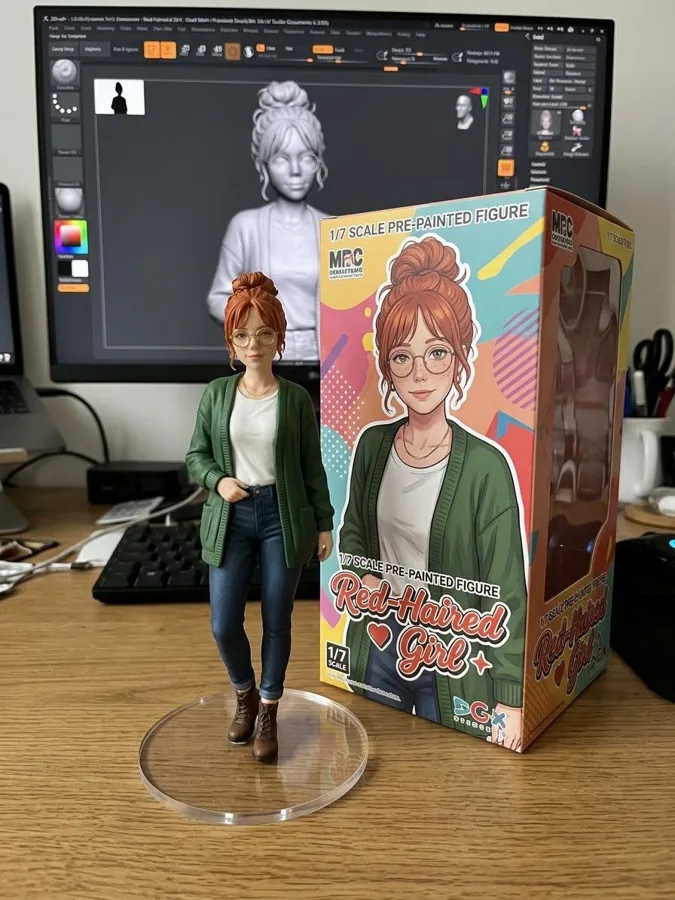
Animated old family photos, a product that turns and catches the light, a selfie that winks at the camera, a painting where the sky moves. Pair it with a trend picture (figurine, saree, movie poster) and animate that for a Reel that stands out.
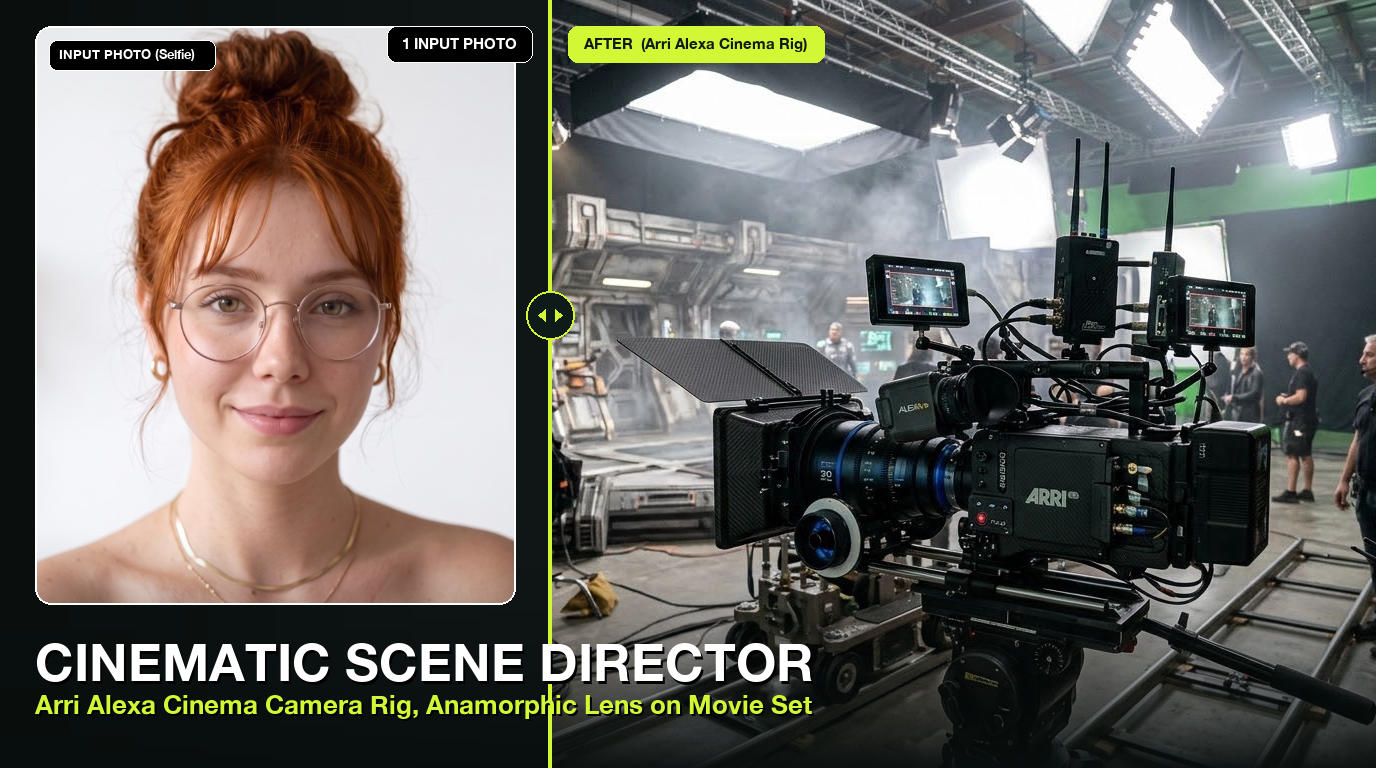
Omni 1.2 Flash 15s AI Video Generator
Synthesize 3s to 15s cinematic HD videos with Google Flow’s upgraded Omni 1.2 Flash engine

AI Talking Head & Lip-Sync Video Maker
Transform any still portrait photo into a talking, lifelike AI presenter with realistic lip-sync, blinking, and natural head motion

AI Viral TikTok Dance Animator
Animate any still photo of yourself, friend, celebrity, or mascot into viral TikTok and K-Pop dance routines
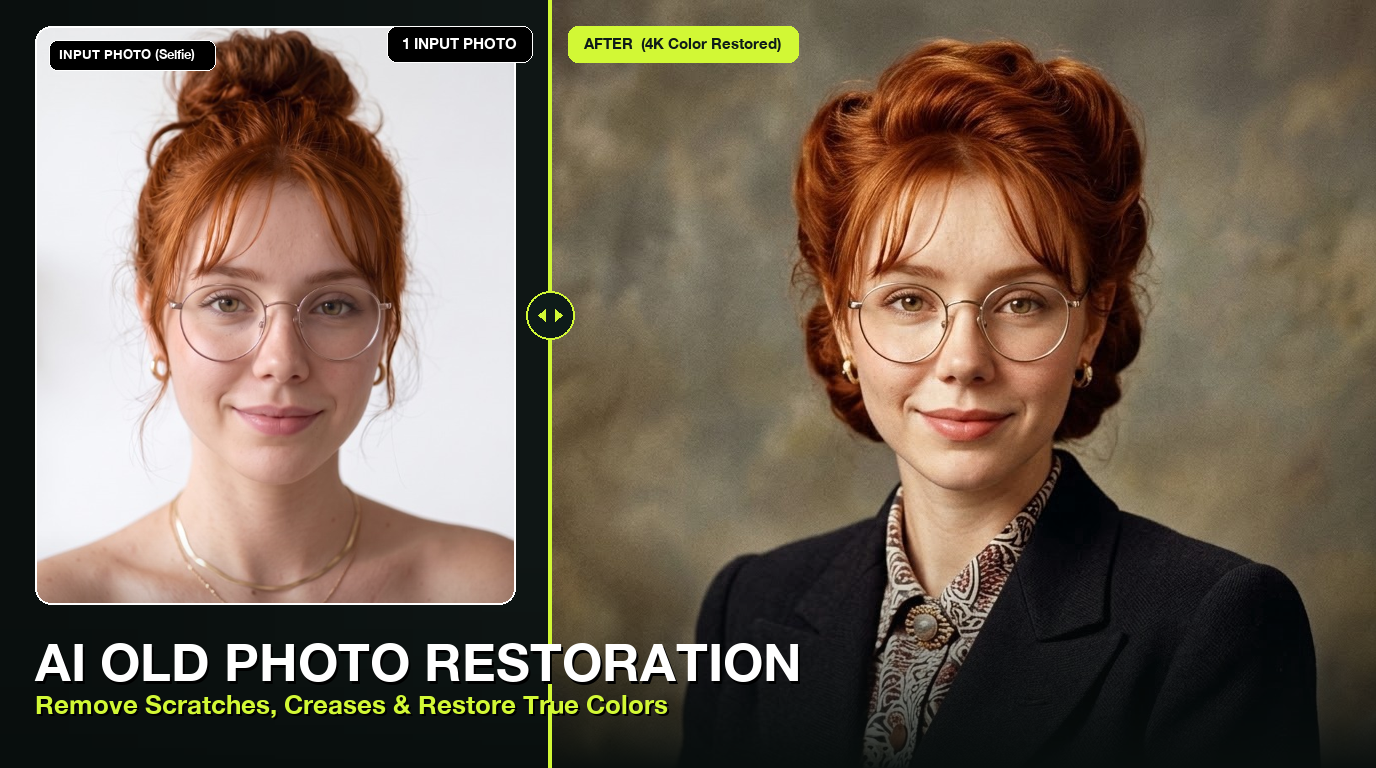
Old Photo Colorizer & Scratch Repair
Bring vintage black-and-white family heirlooms back to life with authentic colorization, tear repair, and 4K facial restoration
Questions
Most photos work. Photos of children, sexual content and some close-ups may be refused by the model’s safety filter.
Yes, the video starts from your exact photo, so the face stays recognisable through the clip.
3 to 15 seconds per clip.
It generates sound that fits the scene. Describe the music or sounds you want in the prompt.
About 15 credits for a 5 second clip. New accounts get free credits to try it.