Build a consistent AI influencer with Characters
One face, a hundred scenes. How to set up a Character on Do0p and keep her identity across fashion shoots, selfies and video.
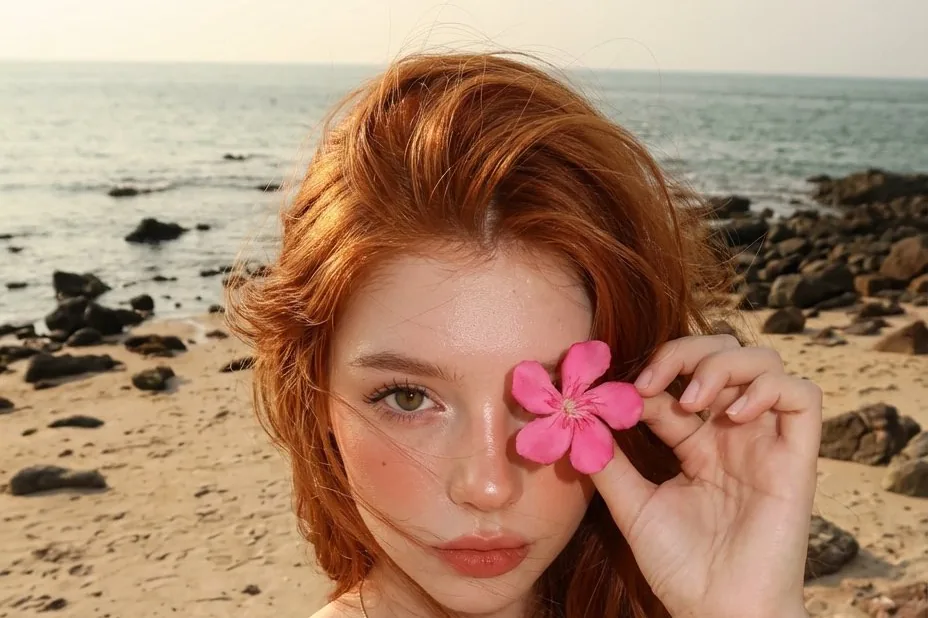
The hardest part of an AI influencer is not one great picture. It is the fiftieth picture still looking like the same person. That is what Characters are for.
Step 1: cast the face
In Characters → New, either upload photos you have the rights to, or describe someone new and pick from the casting options. Be specific: hair colour and cut, eye colour, freckles, glasses, the things people would recognise.
Step 2: let Do0p build the identity sheet
Do0p generates reference views (front, three-quarter, profile, full body). Every later scene uses them, so check them carefully and rebuild if something is off.
Step 3: shoot scenes, not prompts
Pick a scene from the library (beach, studio, street, café) or write your own. You only describe the scene; the identity is added for you.
- Keep a consistent style (photoreal, anime, 3D) per series
- Reuse outfits across posts for continuity
- Animate favourites into short videos for Reels and Shorts
Step 4: share and grow
Share the best shots to the Gallery. They appear on your profile, in followers' feeds, and people can follow you for more.
Try it in Do0p Studio
Everything in this post works in Create. Free credits when you sign up.