From still to video: animate your best frame
Your strongest picture is the best start for a video. Five motion prompts that keep the face, the light and the mood.
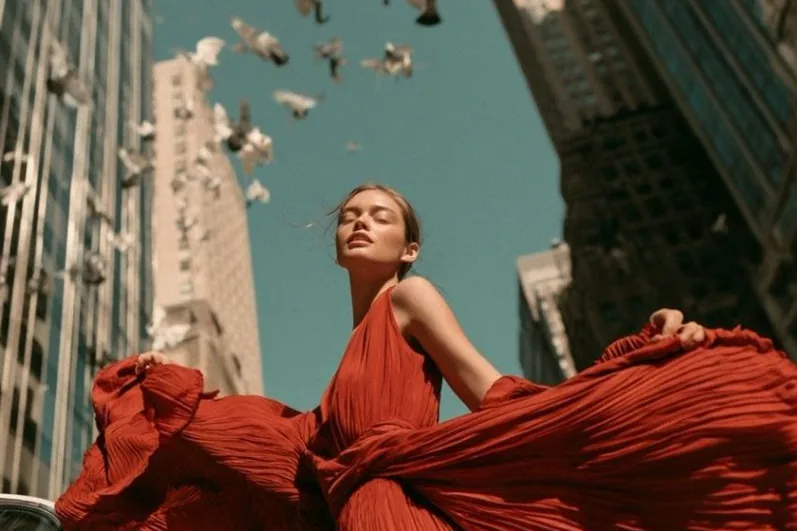
Text-to-video is a lottery. Image-to-video is direction: you already chose the face, the outfit and the light, and now you only add movement.
Keep motion small
Big moves break faces. Small, physical moves look real:
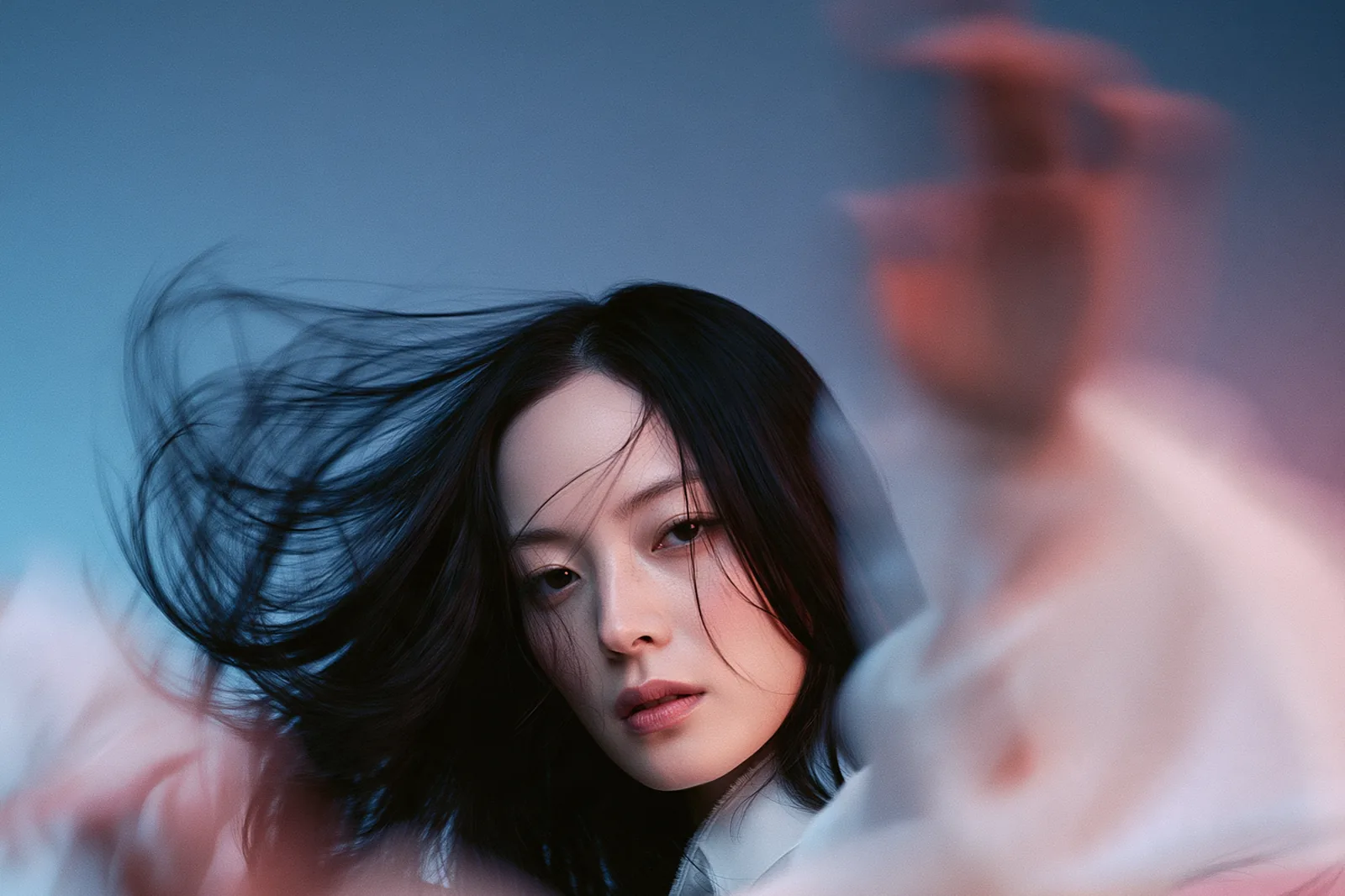
- "hair moves gently in the wind, she blinks, slight smile"
- "fabric ripples, camera slowly pushes in"
- "she turns her head toward the camera, soft light flicker"
- "petals fall past the lens, shallow depth of field"
- "static camera, the city blurs past behind her"
Describe the camera separately
Say what the subject does, then what the camera does: "she spins once; camera static". Mixing the two in one sentence confuses most video models.
Length and cost
Shorter clips stay more consistent. Start with the shortest length, and extend only the ones you love. You can see the credit cost before you render.
Where to go next
The Shorts and Viral studios chain stills, motion and captions for you, if you would rather not prompt every step.
Try it in Do0p Studio
Everything in this post works in Create. Free credits when you sign up.