Studios · Fashion Studio
From flat-lay to catalogue.
Upload a flat-lay, hanger or mannequin photo. Pick your model, choose the shots and the setting. Get on-model photos that keep every detail of the garment.
- Your own reusable model
- Every detail kept
- Colourways + catwalk clip
How it works
Four steps. No prompt writing.
- 1
Upload the garment
A clear flat-lay, hanger or mannequin photo. Tops, dresses, sarees, jackets, bottoms.
- 2
Pick your model
Yourself, or an AI model you reuse across every shoot for a consistent brand look.
- 3
Choose shots & setting
Front, three-quarter, back, detail, walking, seated. Studio, street, golden hour and more.
- 4
Variants & motion
Recolour any shot and turn it into a 5-second catwalk clip.
Made with Fashion Studio
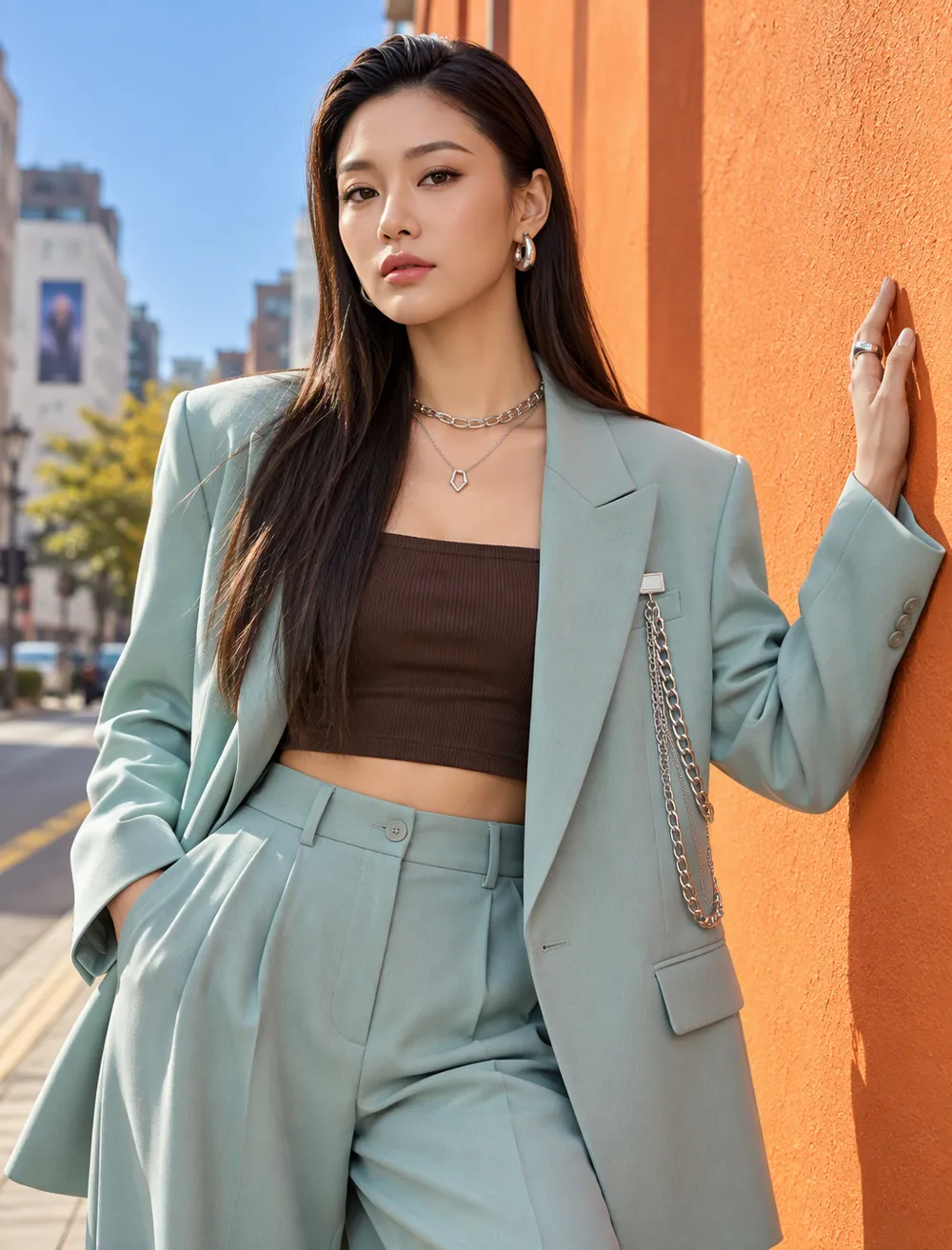
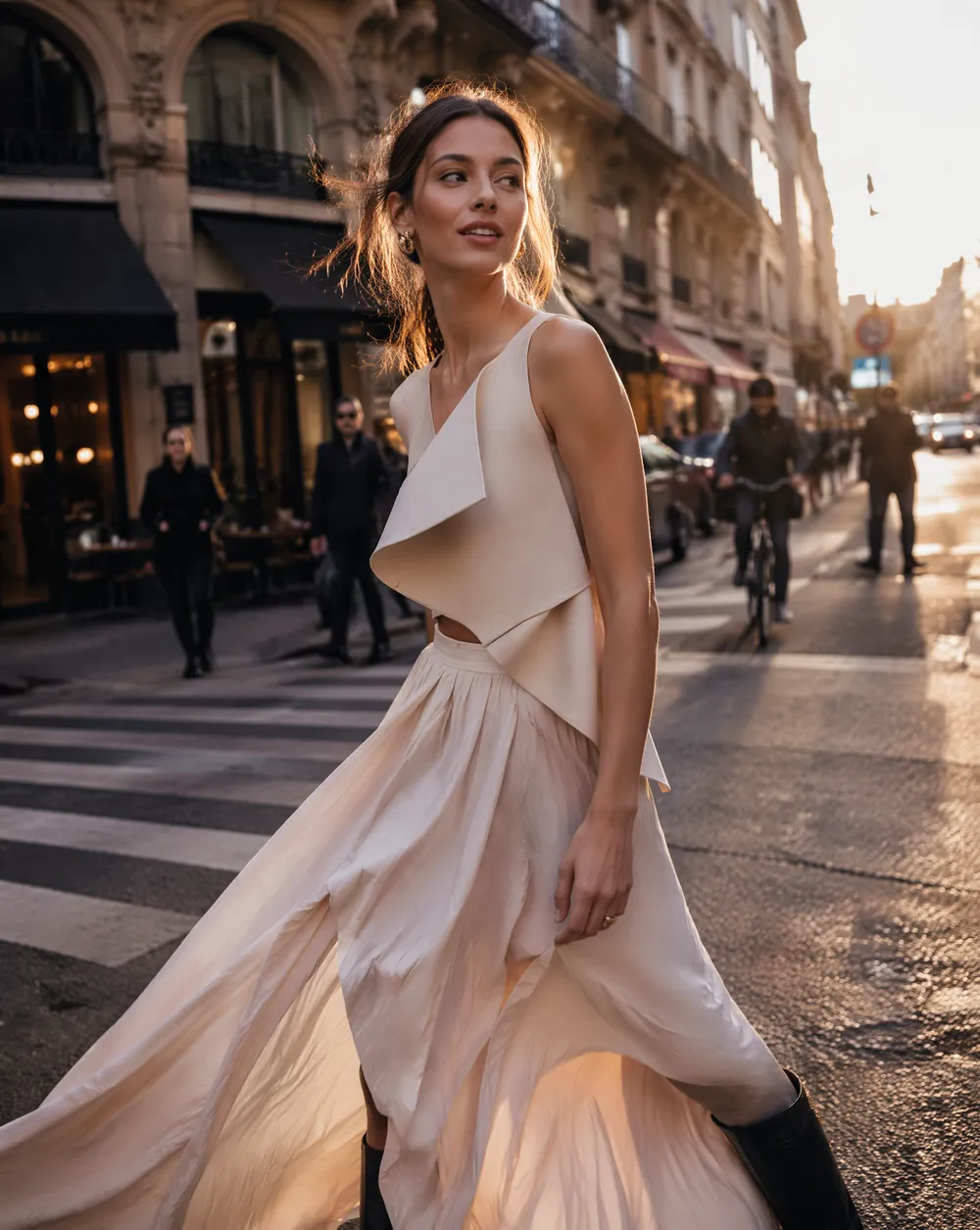
A catalogue from one photo
Same garment, same model, every angle. Logos and fine print are worth a quick check before publishing.


Garment-faithful
Colour, fabric, buttons and small details carry onto the model.
Brand model
One AI model across every product, so your store looks consistent.
Matching styling
The rest of the outfit stays the same in every shot.
Catwalk clip
A runway video from any photo, for Reels and product pages.
Pricing
About 1 credit per photo. Catwalk clip about 15 credits.
Pay with credits. Failed generations are refunded automatically.
Questions
Good to know.
What photos work best?
A clear, well-lit photo of the whole garment on a plain background: flat-lay, hanger or mannequin.
Will the garment look exactly the same?
Colour, fabric and details are kept closely. Check logos and small print before publishing; the model can soften them.
Can I use my own face?
Yes. Create a character from your selfies and use it as the model, or design an original AI model.
Can I make colour variants?
Yes. Pick any shot and list up to four colours; each comes back as a matching shot.