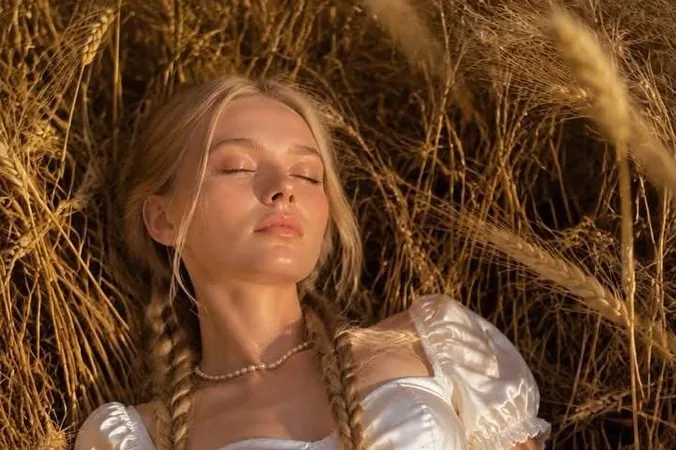
Motion blur & long exposure: stills that feel alive
Blur is not a mistake. Used on purpose it says speed, crowds and late nights. Here is how to ask for exactly the blur you want.
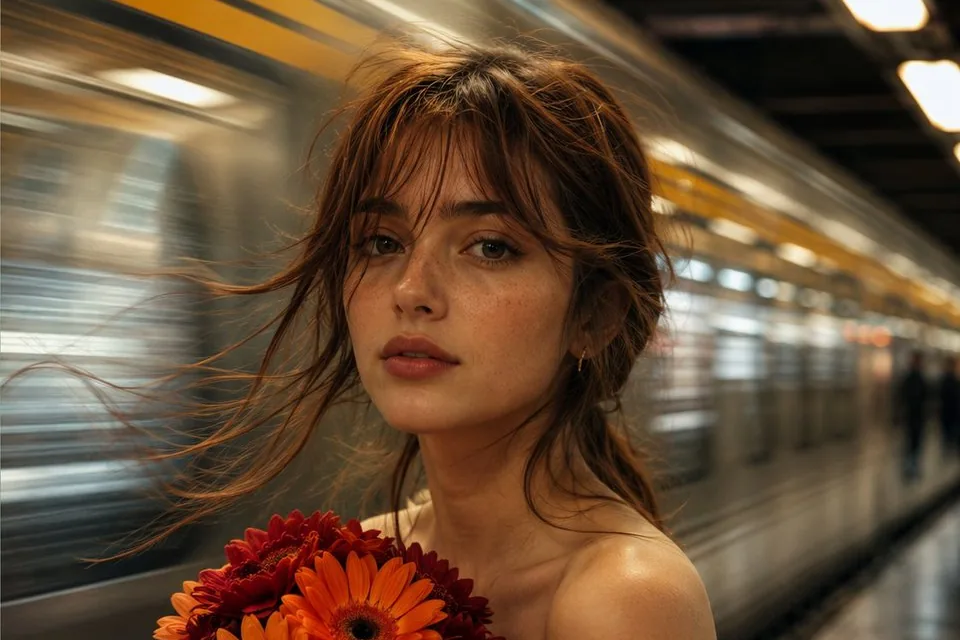
A sharp subject against a world in motion is one of the most cinematic looks you can make. The trick is telling the model what moves and what stays still.
Freeze the subject, move the world
Name the subject as still and the background as moving:
a woman holding orange gerberas stands perfectly still on a subway platform,
a train rushes past behind her in long streaks of light, slow shutter 1/8s,
warm tungsten light, 35mm film grain
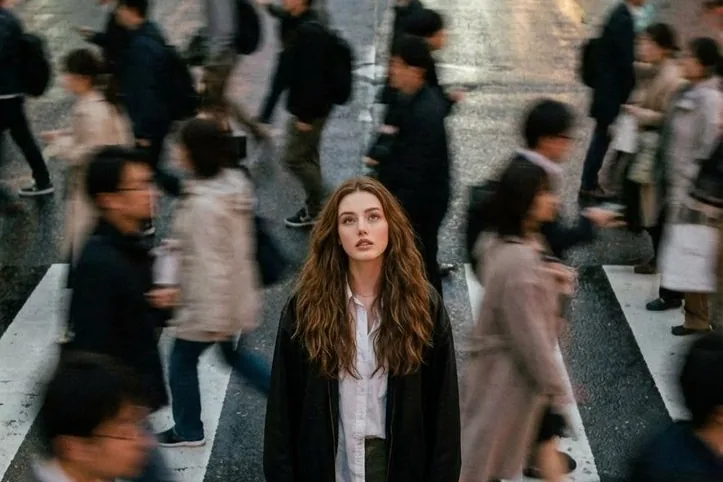
Crowds that blur around one person
The "alone in the crowd" frame works anywhere people walk: crosswalks, stations, markets.
- Say "crowd walking past in motion blur"
- Add "she stands still, sharp focus, looking at the camera"
- Ask for "long exposure, tripod" so the model keeps the frame steady
Dragged-shutter flash
For a party or nightlife feel: "flash with slow shutter, light trails, neon streaks, sharp face". The flash freezes the face, the open shutter smears every light behind it.
From still to video
Blurred stills animate beautifully. Open the picture in Create → Video and use a short motion prompt like "train passes, her hair moves slightly, camera static". Keep the camera static; let the world move.
Try it in Do0p Studio
Everything in this post works in Create. Free credits when you sign up.